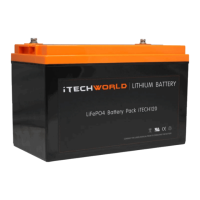
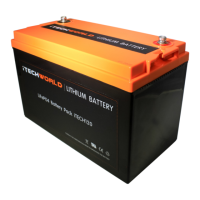
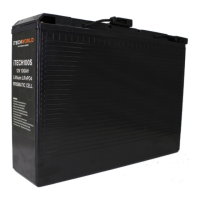
The iTECH100S has numerous safety features pre-installed inside
the battery to make it the safest lithium battery available in
Australia. One such feature is "safe mode". If you draw too much
power from your battery (over-discharge) your iTECH100S
battery will enter safe mode to protect itself. The iTECH100S will
enter safe mode at a voltage of 9v or less, the terminals have
been shorted or too much current has been drawn. Once the
battery is in safe mode it will appear to be an open circuit. No
voltage( or a low voltage) will be detected on the battery
terminals and there will be no current output. There are
numerous ways to bring your iTECH100S battery out of safe
modes, such as using jumper cables, our iTechworld jump
starter, iTechworld battery charger and the iTechworld Lithium
bypass cable, each method will be explained in the following
pages.
The battery shown in the following photos is the iTECH120X;
however, the methods demonstrated are relevant to all
iTechworld lithium batteries.
SAFE MODE
USER GUIDE


 To Next Page