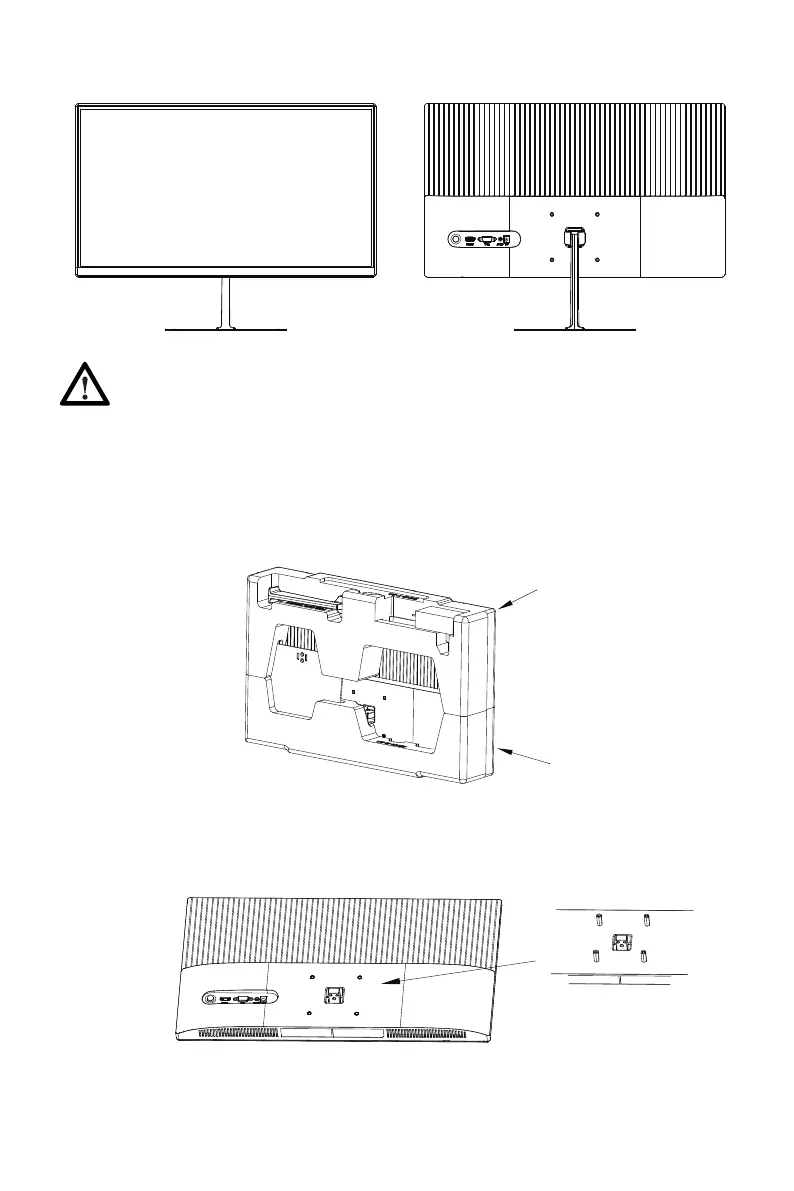
2. Take out all accessories from foams and take out the upper foam. Take out four
studs for hexagon irons from the accessory bag to and lock them on the rear casing.
(Do not take the screen out from the foam to avoid damage to the screen)
1. Open the package, take out the product with foam still attached, and gently place
it on a desktop or table.
4. Grasp the bracket with your hands to stand up the machine.
Lower foam cover
Upper foam cover
During the process of erecting the machine, do not directly pinch the screen
with your hands to prevent the screen from breaking.
6.
Mount Installation
Eng-5



 To Next Page