10 / 21 IU_26779_1_ENG_MANUAL_SEMSC11
3.2.2. PAN 3
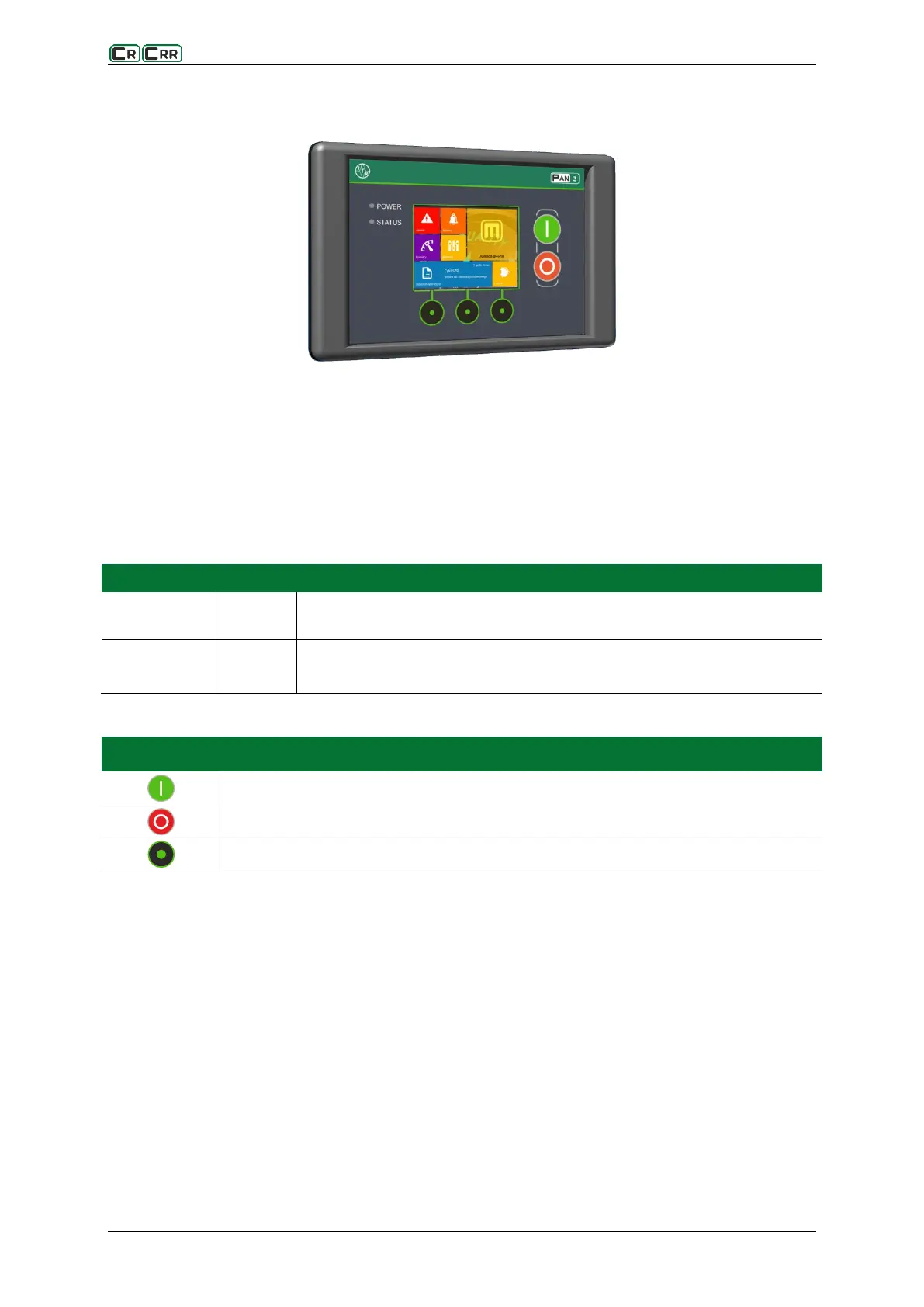
Fig. 3.3. View of the front panel PAN 3
Panel PAN 3 presents a visualisation of the status of the distribution box on a 2.8 inch graphic display.
In addition to the basic information on the panel state, such as switch states, measurements or control mode,
it displays additional information, i.e. communication port parameters, settings, event log, alarms, etc.
The functionality of the communication interface depends on the parameters of the device to which
it interacts. The user interface consists of two signalling LEDs, five buttons and a colour TFT display.
Table 3.4. Meaning of predefined diodes
Steady light - the correct supply voltage of the controller and the panel.
Intermittent light - correct interaction between the driver and the panel.
Steady light - no interaction between the controller and the panel.
Table 3.5. The use of buttons
Control for the switch closing
Control for the switch opening
Contextual buttons - assign displayed on the screen



 To Next Page