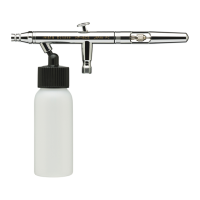
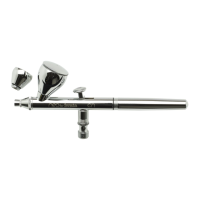
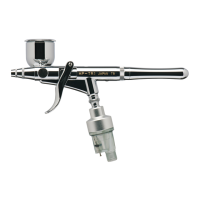
GENERAL OPERATION HP-BCS, SBS, CS, BS
Fine-Line Spray
1. Depress the main lever (#12) to start airflow.
2. Position the airbrush close to the surface, between 1/16
and 1/2 inch is common.
3. Pull the main lever back slightly to start the flow of paint.
Stippling
Iwata airbrushes are designed to produce a wide range of stippling
textures. Remove the needle cap and nozzle cap (being very
careful not to bump the needle) and depress the main lever.
Experiment with various air pressure to achieve the right
texture for your project. Higher pressures will produce larger
dot patterns.
CAUTION: The needle and nozzle are very delicate. Even
a slight bend on the tip of the needle can adversely affect
the spray pattern. Replacing the needle cap on the Eclipse
with an optional crown cap will protect the needle, yet
enable an extremely narrow line to be sprayed.
Wide-Line and Background Spraying
1. Depress the main lever (#12).
2. Position the airbrush further away from the surface, from 1/2
to 6 inches is common.
3. Pull the main lever back much further, releasing more paint
to cover the bigger area.
Line thickness can be controlled by adjusting the distance between
the airbrush and the surface, by manipulating the main lever and by
raising or lowering the air pressure. An extremely narrow line can
be obtained by carefully removing the needle cap (#1), positioning
the airbrush closer to the surface and working at a lower
air pressure.
Increase the distance between the airbrush and painted surface
to control the line’s width. Increasing the air pressure will also
affect the spray width. The Eclipse’s maximum useable line width
is approximately 2½ inches.
7



 To Next Page