MAINTENANCE
Cleaning the Airbrush between Colors
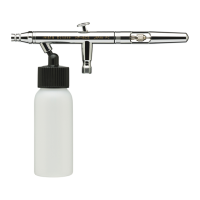
(BCS)
1. Remove the paint bottle.
2. Attach a bottle containing the appropriate cleaning solution.
3. Spray until the solution sprays clear.
4. Remove the bottle of cleaning solution.
5. Spray air until the airbrush sprays dry.
6. Attach a bottle containing the next color.
7. Repeat cleaning procedure when finished.
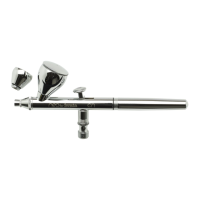
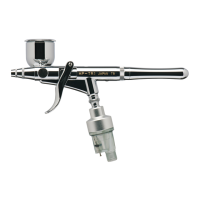
(BS, CS, SBS)
1. Dump out the color cup’s excess paint.
2. Rinse the cup with the appropriate cleaning solution.
3. Use a paper towel to wipe out any leftover paint.
4. Fill the bottom of the cup with cleaner.
5. Spray cleaner until the spray is clear.
6. Add the next color to the color cup.
7. Repeat cleaning procedure when finished.
Before Each Session
Spray water, or the appropriate paint solvent, through the
airbrush to make sure the airbrush is working properly.
After Each Session
Or any time the airbrush becomes clogged:
1. Increase the air pressure.
2. Spray cleaning solution for a short time.
3. Clean the needle if necessary.
Cleaning the airbrush this way helps clean the paint passage,
the nozzle and the needle thoroughly.
9



 To Next Page