79
7979
79
To modify the record crossfade:
1. Use the
MENU/PREV
, arrow keys and
ENTER
key to go to the
MAIN / EDIT MENU /
REC XFADE TIME
menu item
and press the
ENTER
key.
2. Use the right and left arrow keys to select the
IN
crossfade time. Use the up and down arrow keys, the
numeric keys or the Jog/Shuttle wheel to set the
IN
crossfade time.
3. Use the right and left arrow keys to select the
OUT
crossfade time. Use the up and down arrow keys, the
numeric keys or the Jog/Shuttle wheel to enter the desired value and press the
ENTER
key.
To modify the edit crossfade:
1. Use the
MENU/PREV
, arrow keys and
ENTER
key to go to the
MAIN / EDIT MENU /
EDIT XFADE TIME
menu item
and press the
ENTER
key.
2. Use the up and down arrow keys, the numeric keys or the Jog/Shuttle wheel to set the edit crossfade
time and press the
ENTER
key.
To modify the crossfade type:
1. Use the
MENU/PREV
, arrow keys and
ENTER
key to go to the
MAIN / EDIT MENU /
CROSS FADE TYPE
menu item
and press the
ENTER
key.
2. Use the right and left arrow keys to select the crossfade type and press the
ENTER
key.
Note: Only
MOVE
,
ERASE
and
SLIDE
are affected by the
CROSSFADE TYPE
setting.
Marking A Time Region
Time regions are selected for editing using the
MARK
IN
and
MARK OUT
keys on the Session Controller or
the KC-24 keyboard. You may also specify a
SYNC
marker that defines a particular event in the audio. This
SYNC
marker can be used as the anchor to paste a track-region. This is very useful for pasting sound effects to
spotted video locations.
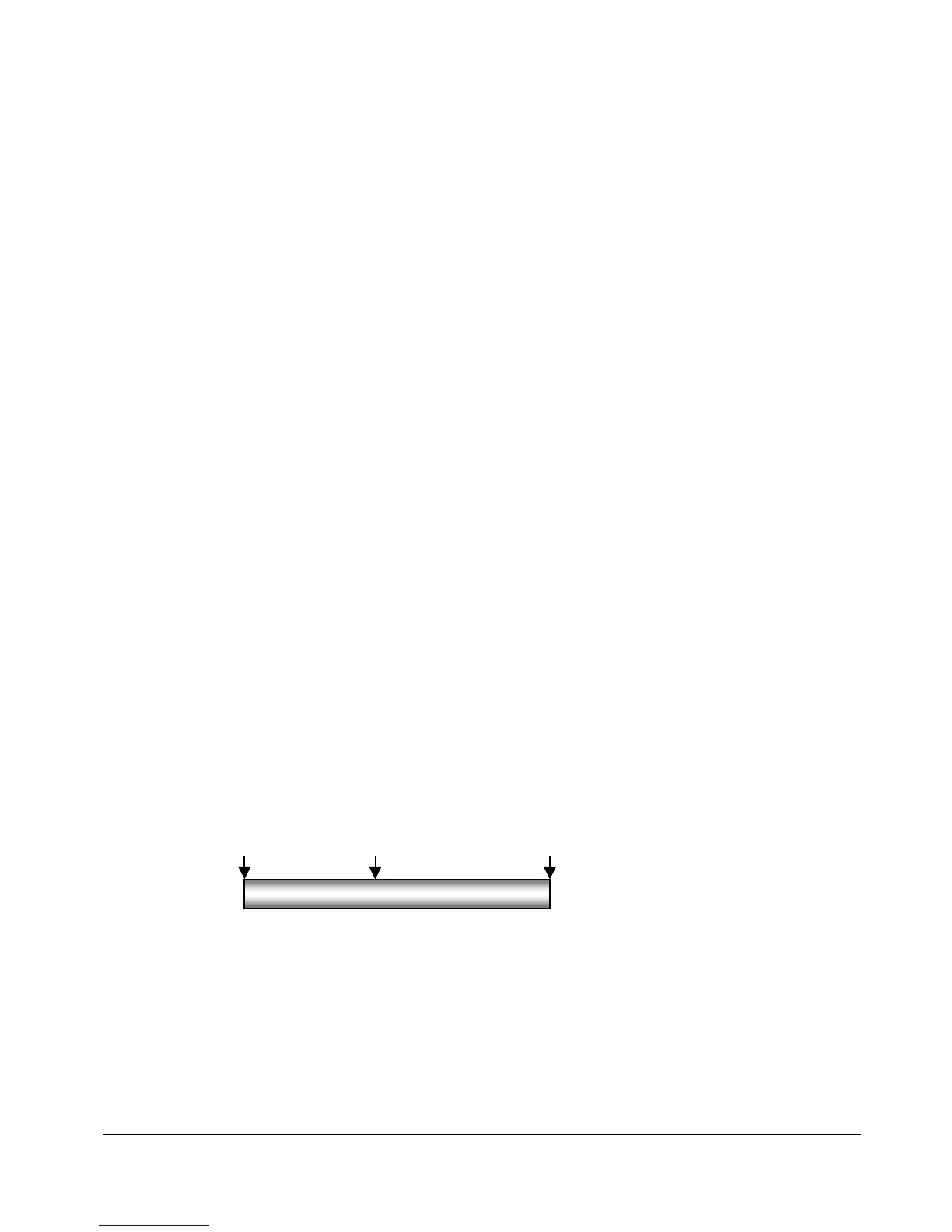
Example: A door creaks as it slams and is followed by reverberation.
To mark a region for editing:
1. Locate the
IN
point for your edit. Use the Jog/Shuttle wheel or other transport/locate functions to
locate and press the
MARK IN
key on the Session Controller or the KC-24.
CREAK……………… …SLAM! - REVERB…………………
MARK IN MARK SYNC MARK OUT



 To Next Page