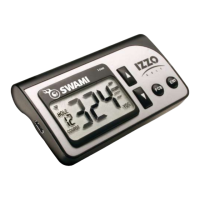
2.3 Pairing Clubs
NOTE: This step is necessary prior to your rst use and NOT prior to each subsequent round.
1. Use [Up/Down] buttons to scroll to Pair Clubs. Press [OK] button to select.
2. The screen will display a “spinning arrow”
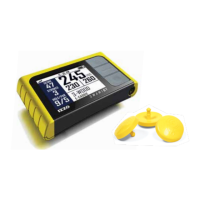
3. While holding golf club, hold attached Club Tag near the Sensor (located in the
middle of the gray button panel).
4. Once Club Tag is recognized, device will vibrate.
5. Use [Up/Down] buttons to select New (for rst time registration) or Existing club (for
re-registering a club) then press [OK] button.
6. Use [Up/Down] buttons to select Club Type then press [OK] button.
7. Use [Up/Down] buttons to scroll to the specic club, then press [OK] button to
assign the Club Tag to that club.
8. Club is now paired with device.
9. To pair another club, use [Up/Down] buttons to select Yes, then press [OK] button
to conrm.
10. Repeat steps 1-9 until each club as been paired with the device.
11. To re-assign a Club Tag to a different club, repeat steps 1-4 using the same
Club Tag. You will be asked if you wish to re-assign the Club Tag. Select Yes, then
proceed with steps 5-7.
8
Using Swami on the Course
9
Getting Started


 To Next Page