23
Uploading Rounds/Review Rounds
4. Then Click UPLOAD again.
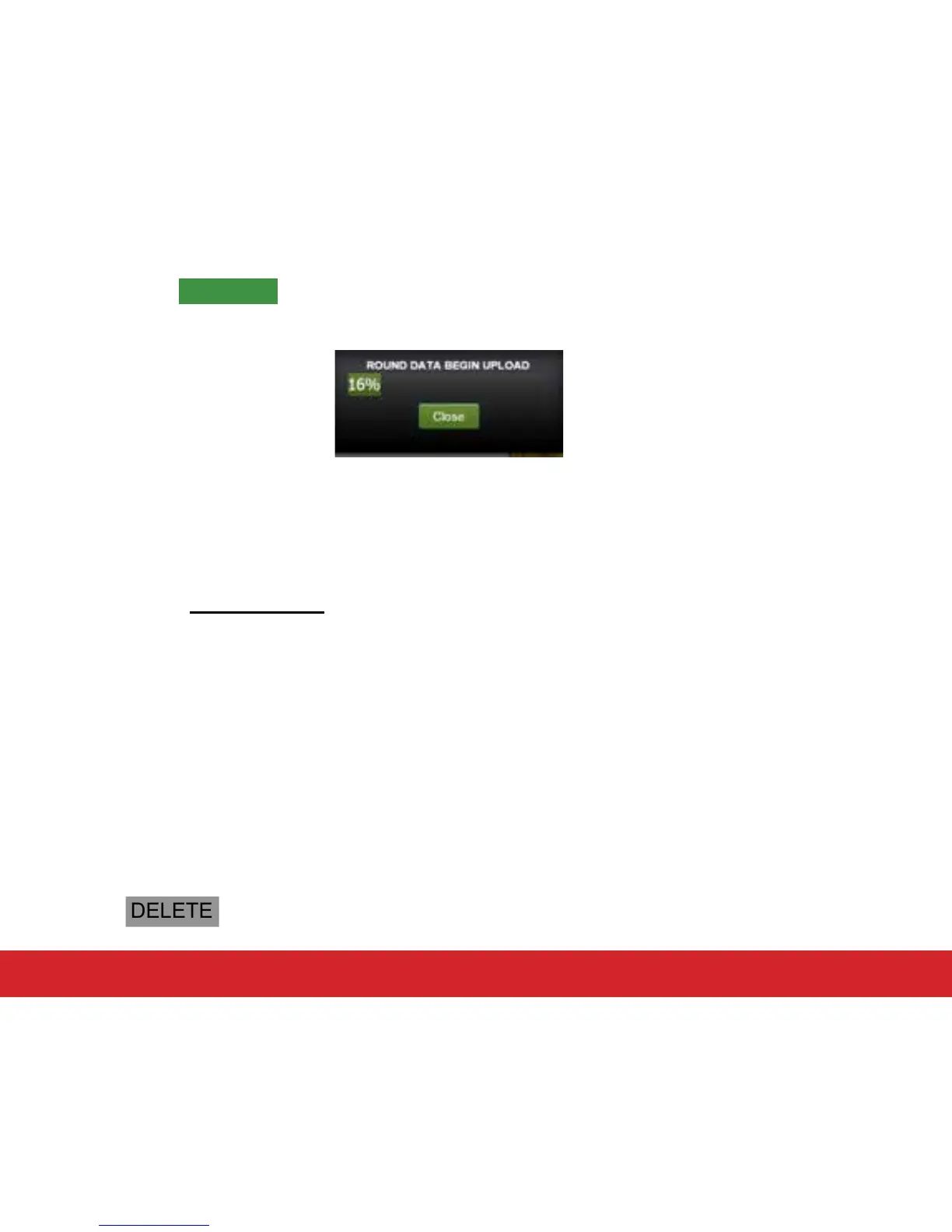
5. The round data on your Swami GT will begin to upload to the Portal.
6. After the upload has completed, close the upload window.
5.2 Reviewing Round Data
1. Click the View Round Data tab at the top of the web page.
2. Click on the Select Round drop down box located on the left side menu of the web
page. Then click on the round you want to view.
3. View your round hole by hole and shot by shot by clicking on each hole number. Below
the aerial view of your round, view your statistics for that round.
4. You can view and track your average statistics from your last 5 rounds or last 10
rounds by clicking Summary or Detail on the left side menu of the web page.
5.3 Deleting Rounds
1. To delete a round, click Delete Round on the left side menu of the web page.
2. Click the checkbox next to the round you want to delete.
3. Click DELETE and the round will be deleted.


 To Next Page