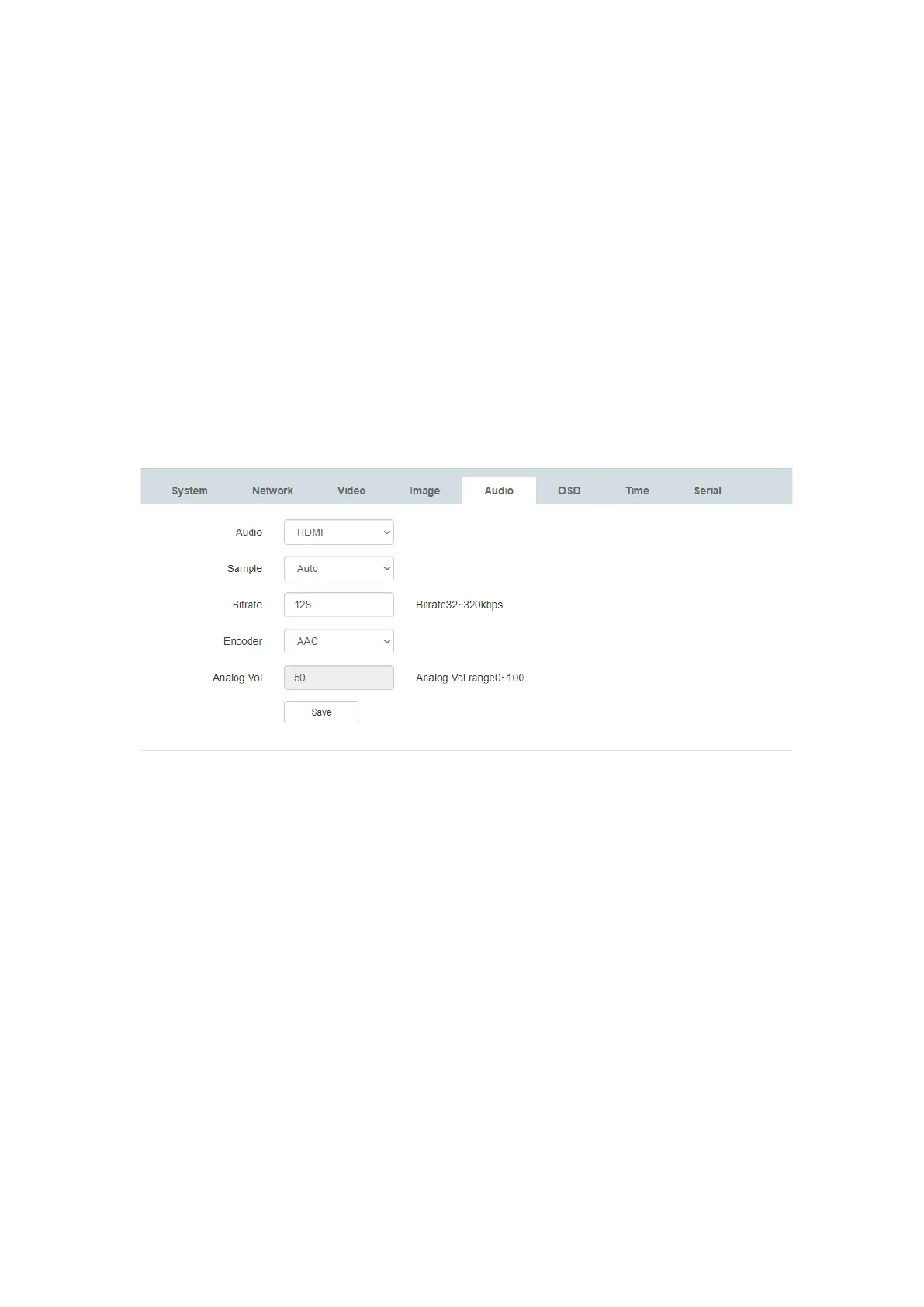
• Sample – Auto | The encoder will automatically detect the incoming audio
sample rate and adjust the output stream accordingly
• Encoder: AAC | The encoder will use the AAC profile to encode audio
• Analog Vol: Used to adjust analog audio output volume | Default is 50, volume
range 0-100
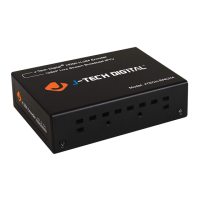
● 1)ANALOG Embedding: Connect your desired analog audio source to the 3-pin
phoenix terminal via stereo to 3-pin phoenix cable. Access the ‘Audio’ tab via the web
GUI and select ‘Analog’ from the Audio drop-down menu.
2)Audio Out: Connect a 3-pin phoenix connector to a stereo audio cable. The connect
the cable to the audio out port of the encoder and to an input port of your desired audio
processing device.
6.5. Video configuration
In the "Video Configuration" tab,the following parameters are customizable:
1) Main Stream:
● Encoding: H.264 (Default) | H.265
● Resolution: 3840×2160(Default) | 1920×1080 | 1280×720 | 640×360
● FPS (frames per second):1 – 60 fps | 30fps (Default)
● Bitrate Control: CBR (constant) | VBR (variable)
● Bitrate (Kbps): 64 – 102400
● GOP (group of pictures): 5 – 300 | 30 (default)
2) Sub Stream:
● Encoding: H.264 (Default) | H.265


 To Next Page