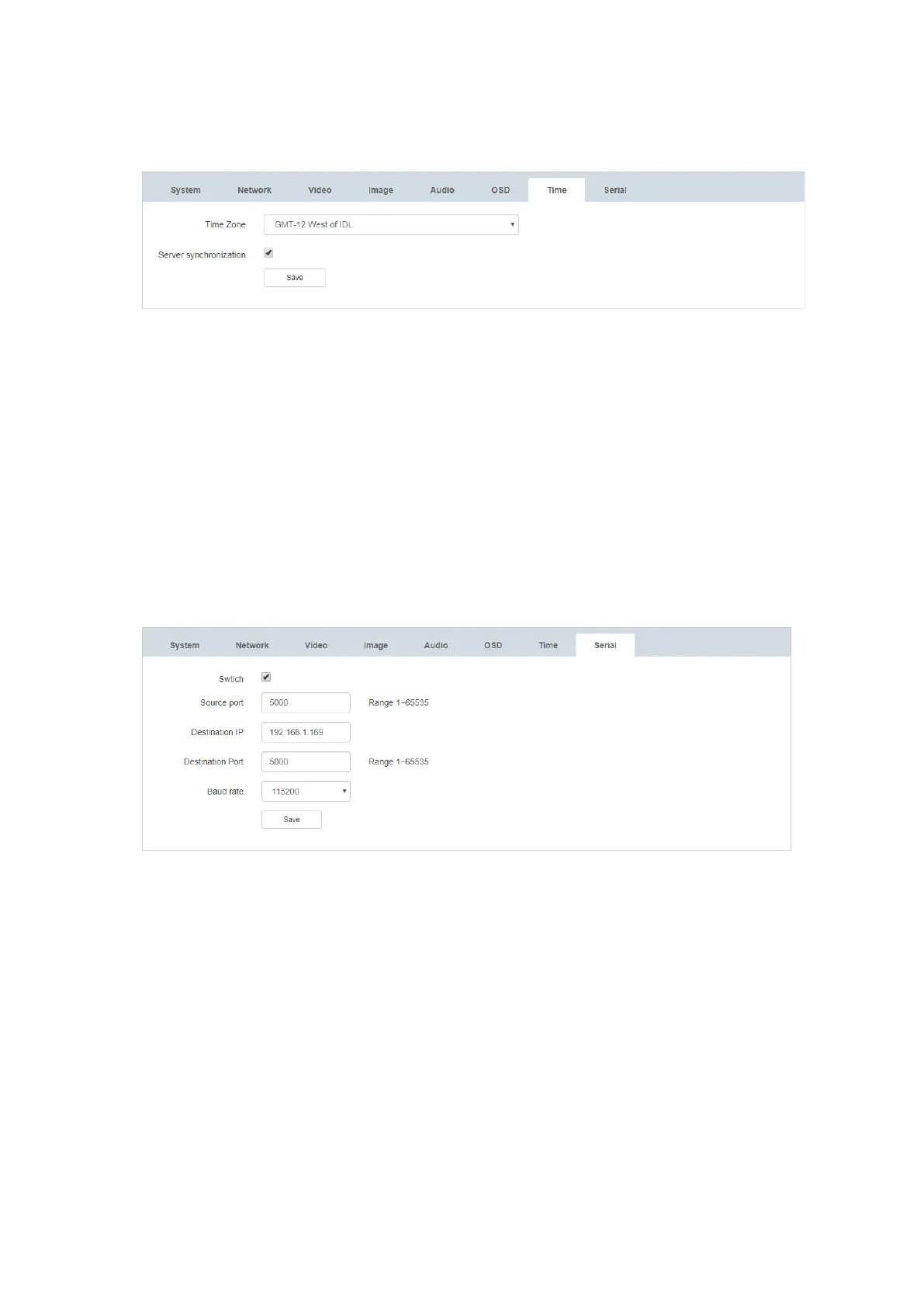
6.8. Time Configuration
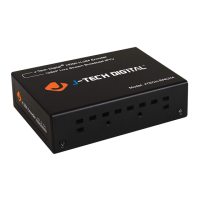
6.9. Serial Port Configuration
1) Switch: When the ‘Switch’ checkbox is selected, the serial port is enabled.
2) Source Port: 0 – 65535 (Default 5000)
3) Destination IP: Fill in the IP address of the device to receive communication
4) Target Port: 1 – 65535 (Default 5000)
5) Baud Rate: 2400 | 4800 | 9600 | 19200 | 38400 | 57600 | 115200 | 230400 | 460800
(Default 115200)
Note: (1) The user must bind both device’s IP addresses when serial communication is
required between two devices.
(2) The target address must be consistent with the IP address of the other party.


 To Next Page