8
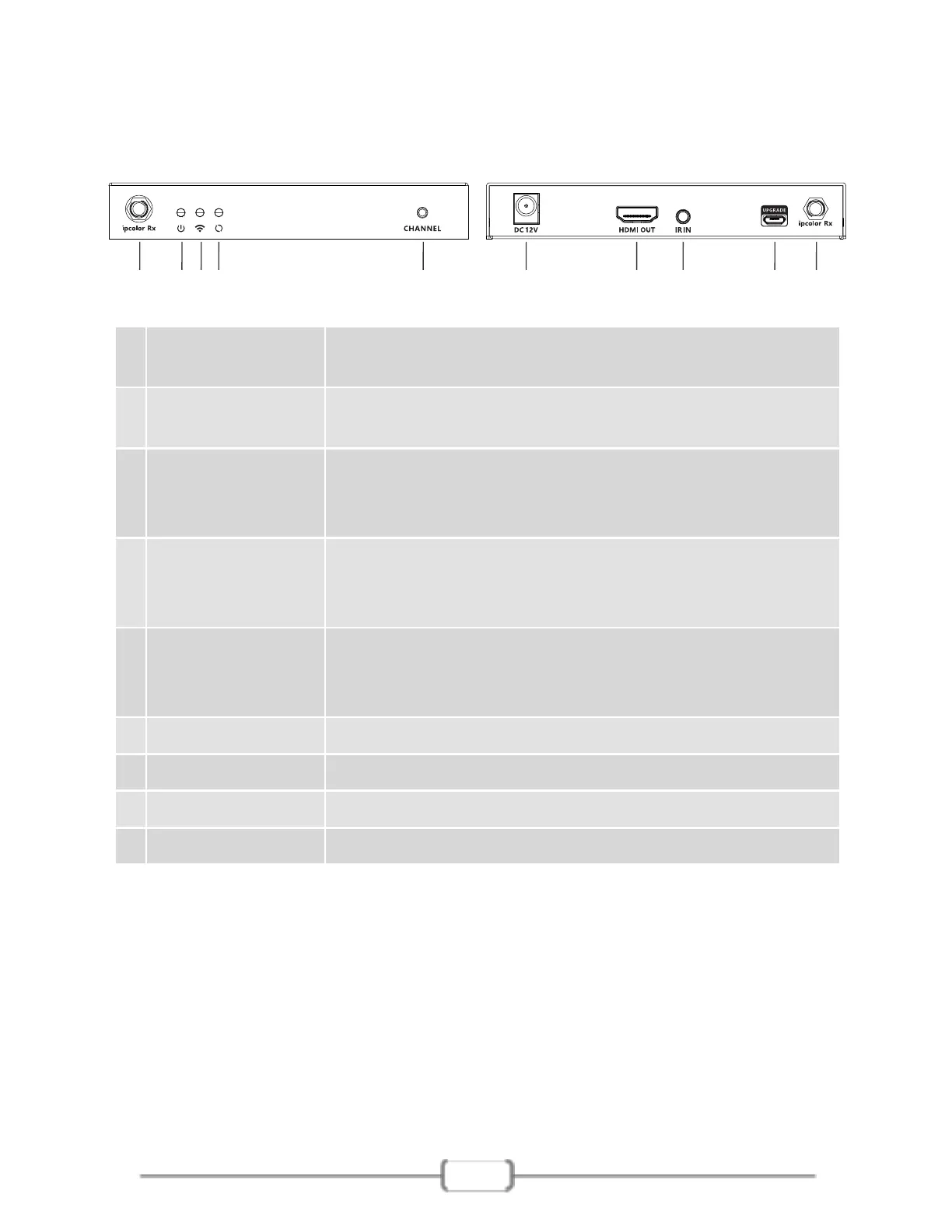
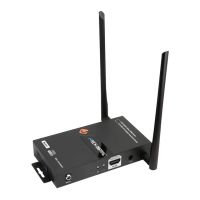
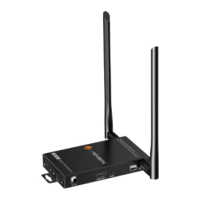
5.2 Receiver (RX)
①
②
WiFi indicator
Power indicator
The indicator will turn blue when the power is
turned on
a) Slow flash: waiting for connection
b) Steady on: connection succeeded
c) Quick flash: SSID Pairing mode
⑤
Antenna
connectors
Connect with antennas
③
Signal indicator
⑥
Micro USB port Used for firmware upgrade
⑧
IR in Connect with IR receiver extension cable
⑦
HDMI output Connect with HDMI display device with HDMI cable
⑨
Power input Connect with DC 12V/1A power adapter
a) Light off: no HDMI signal
b) Steady on: HDMI signal is transmitting
c) Quick flash: restore factory settings
④
Channel switch
button
a) After connecting with TX, press to switch channels
b) Press and hold 5s for SSID pairing
c) Press and hold 10s for restore factory settings
① ①②③④ ⑥⑤ ⑦ ⑧ ⑨


 To Next Page