4. Installation Requirements
1. HDMI source device (DVD, game console, PC, etc.)
2. HDMI display device (TV, projector, LED screen, etc.)
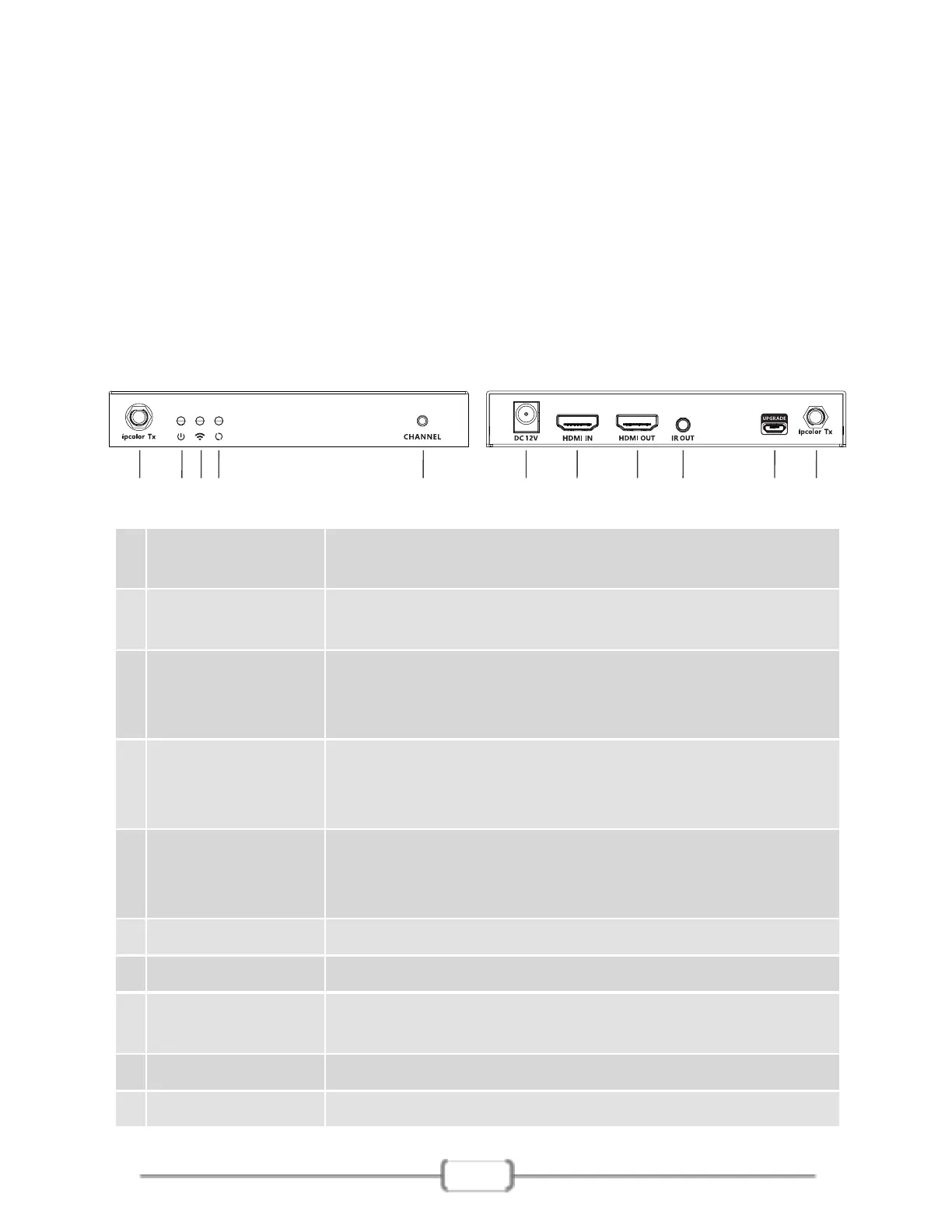
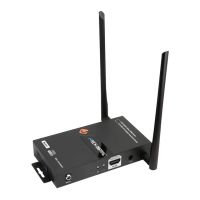
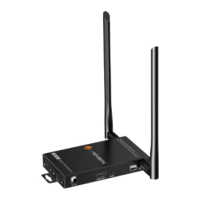
5. Panel Description
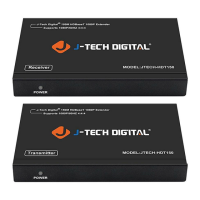
5.1 Transmitter (TX)
7
①
②
Power indicator
The indicator will turn blue when the power is
turned on
⑤
Antenna
connectors
Connect with antennas
⑧
HDMI output
Connect with local HDMI display device with HDMI
cable
③
⑥
⑨
IR out Connect with IR blaster extension cable
⑦
HDMI input Connect with HDMI source device with HDMI cable
⑩
Power input Connect with DC 12V/1A power adapter
④
① ①②③④ ⑥⑤ ⑦ ⑧ ⑨ ⑩
WiFi indicator
a) Slow flash: waiting for connection
b) Steady on: connection succeeded
c) Quick flash: SSID Pairing mode
Signal indicator
a) Light off: no HDMI signal
b) Steady on: HDMI signal is transmitting
c) Quick flash: restore factory settings
Channel switch
button
a) press to switch channels
b) Press and hold 5s for SSID pairing
c) Press and hold 10s for restore factory settings
Micro USB port Used for firmware upgrade


 To Next Page