USB DISPLAY ADAPTER USER MANUAL
21
6. After your computer is rebooted, connect the external display device
(monitor/ projector) to the VGA/DVI connector of USB 3.0 Display
Adapters and turn it on.
7. Connect the USB 3.0 Display Adapter into an available USB port of a PC
or Notebook, After Inserting the USB 3.0 Display Adapter into an USB
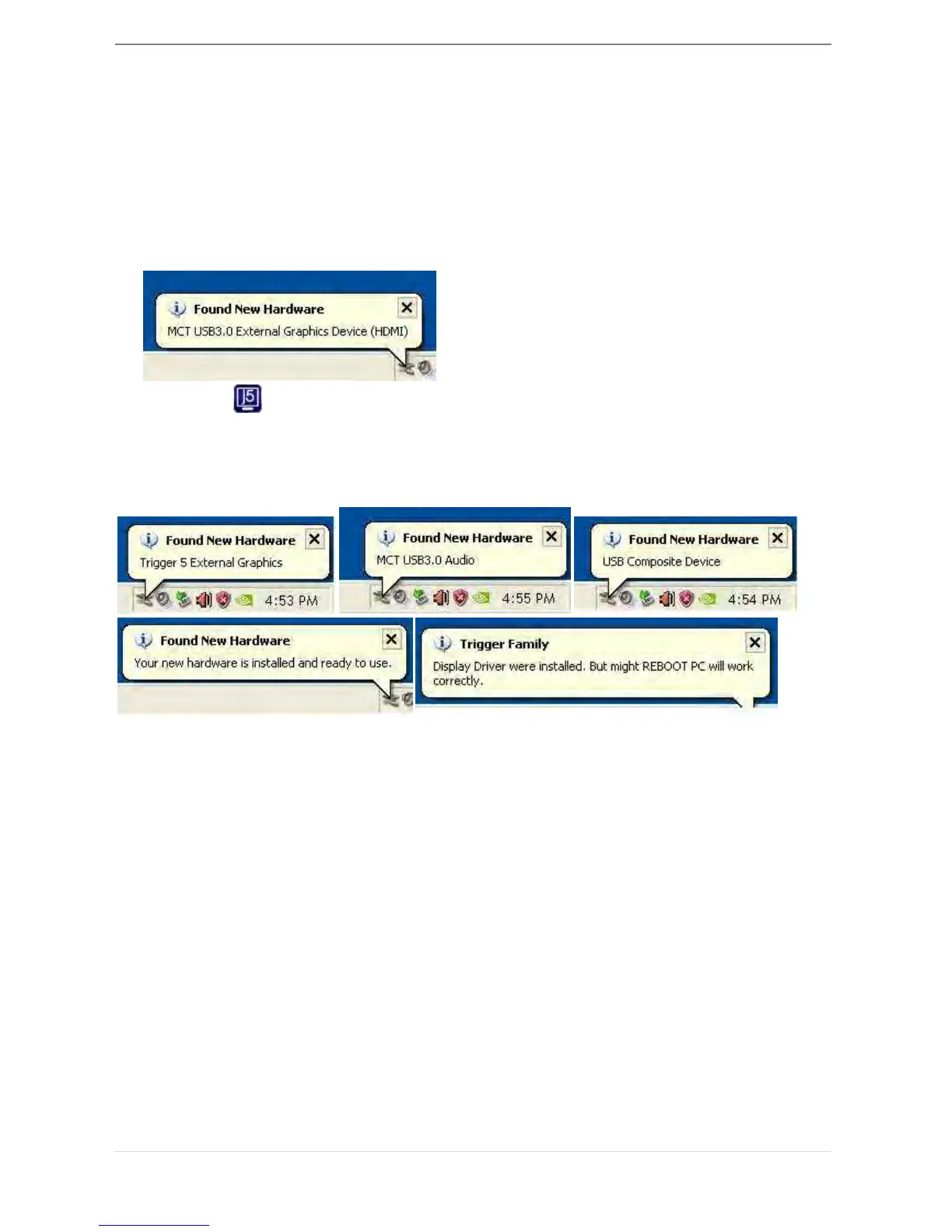
port, the “Installing device driver software” message will pop up.
An icon ( ) will be seen on the lower right toolbar.
The message pictures below shows Driver software is installed
successfully.
If you’re not going to install another USB 3.0 Display Adapter, restart your
PC. The functions of the USB 3.0 Display Adapter will be activated after
the computer restarted.



 To Next Page