USB DISPLAY ADAPTER USER MANUAL
23
The functions of the USB 3.0 Display Adapter will be activated after the
computer restarted. You might see the mirror display shown on the display
device.
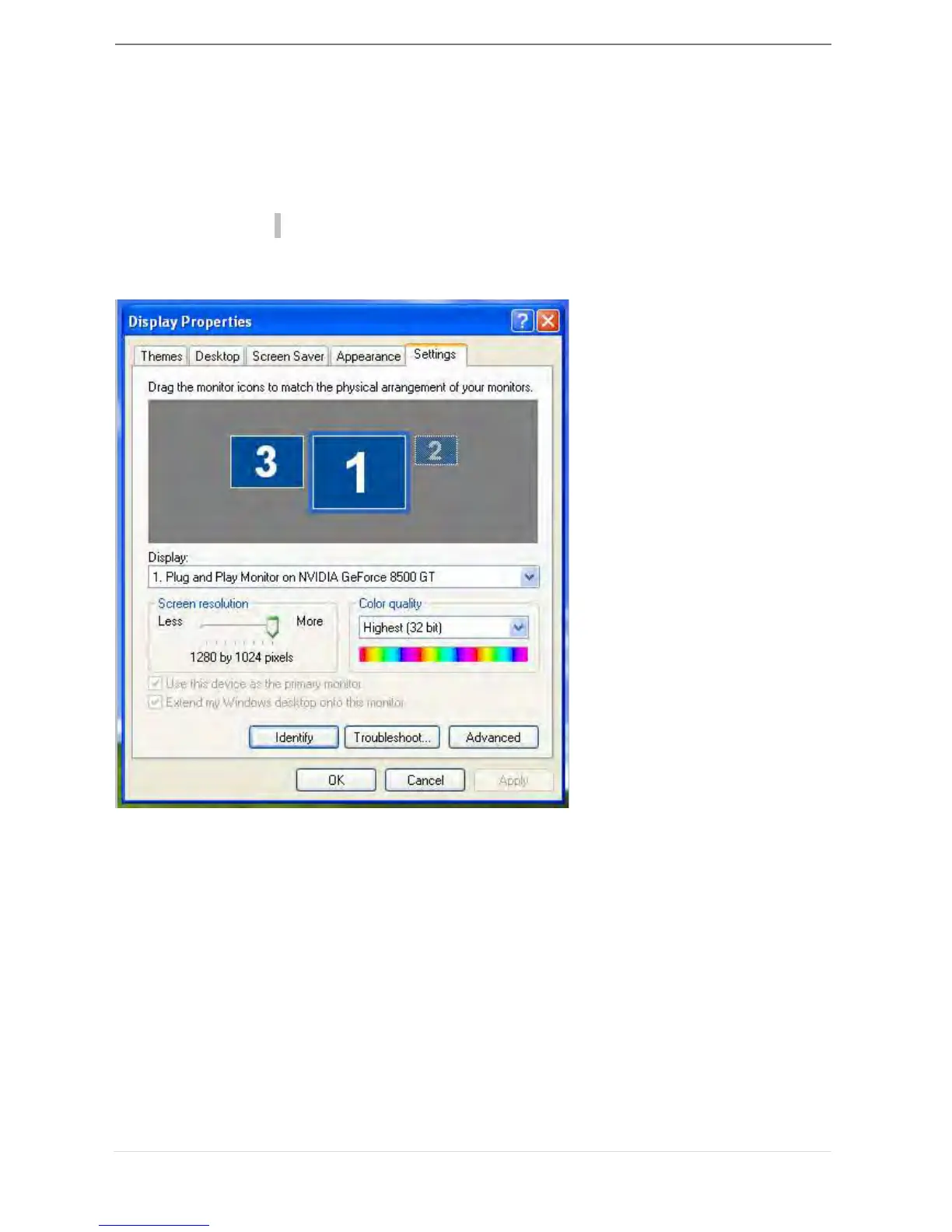
You can modify the corresponding position of each extend display via
display settings.
Go to “START” → “Control Panel” → “Appearance and Personalization” →
“Display Properties” →“Settings”
Note:
If your internal graphics card is Dual Display Ports…..
1. When using one USB 3.0 Display Adapter
The display device which connected to the 2
nd
VGA/DVI port will be
numbered 3
rd
monitor, the display device which connected to the USB
3.0 Display Adapter will be numbered 2
nd
monitor.
2. When using two USB 3.0 Display Adapter
The display device which a port to the 2
nd
VGA/DVI port will be
numbered 4
th
monitor, the display device which connected to the USB
3.0 Display Adapter will be numbered 2
nd
and 3
rd
monitor and so on…



 To Next Page