USB DISPLAY ADAPTER USER MANUAL
41
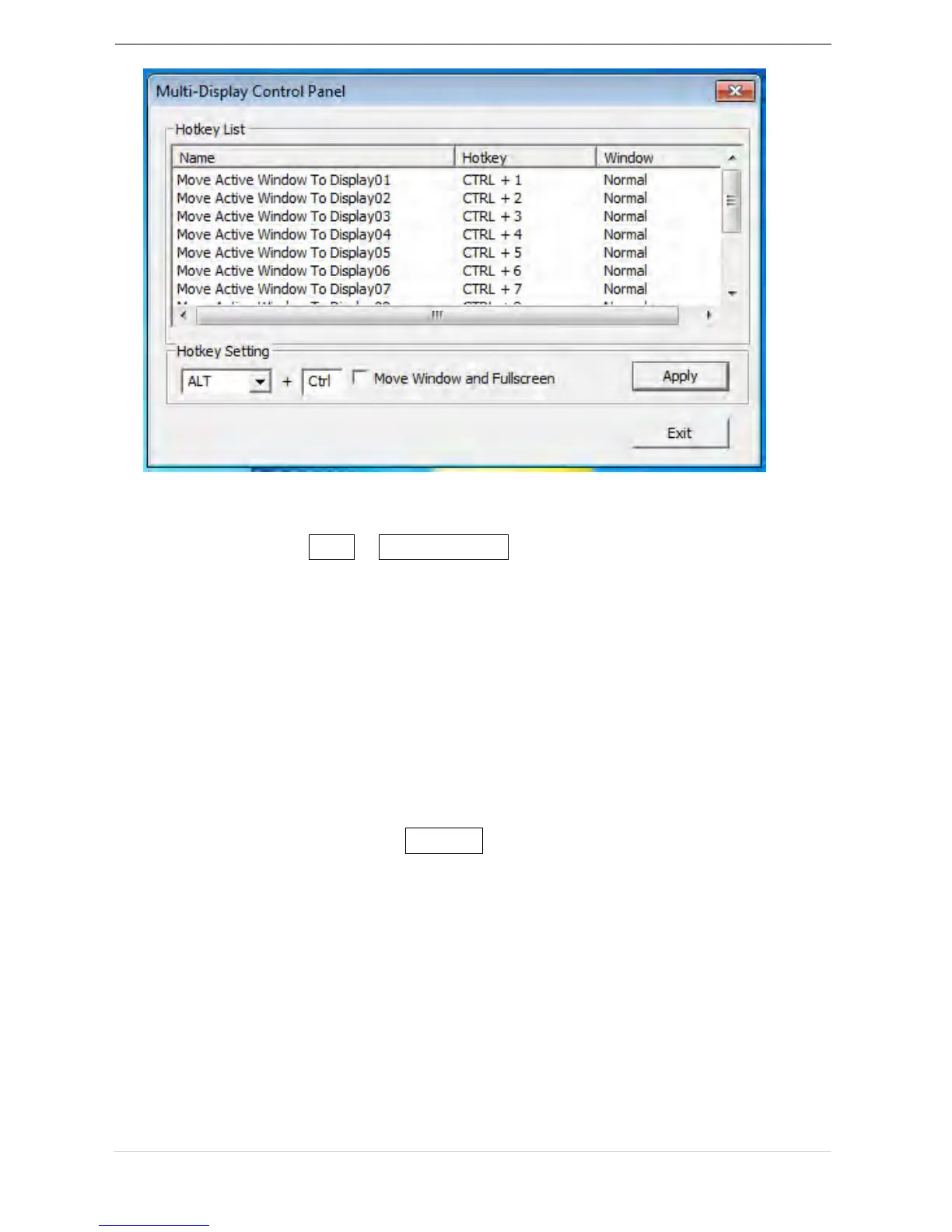
※Using Hotkeys
Default setting is Ctrl + Display No.
Click the window you want to move at the task bar to become active,
and then press Hotkey
.
※Setting Hotkeys
For example: Move window to Display03, and automatically enlarge it
to full screen.
Choose “Move Active Window to Display03”, check “Move Window
and Full screen”, and click Apply



 To Next Page