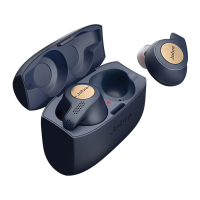
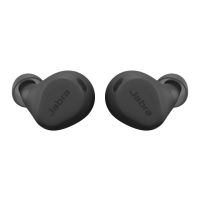
How do I pair my Jabra Elite 65t or Jabra Elite Active 65t with my smartphone?
1. Start by ensuring the right earbud is turned off and not in the charging case. To manually turn off
the earbud, press and hold the Multi-function button until the LED flashes red.
2. Next, press and hold the Multi-function button on the right earbud (5 seconds) until you hear the
connection instructions in the earbud, and the LED flashes blue. Release the button, and follow
the voice-guided instructions to pair with your smartphone.
3. You may need to press and hold the Volume down button on the left earbud (1 second) to turn it
on.
Note: If pairing with a smartphone for the first time, the Jabra Elite 65t/Jabra Elite
Active 65t automatically goes into pairing mode after being turned on. Follow these
steps to complete first-time pairing.
1. Simultaneously press and hold (3 seconds) the Multi-function button on the right earbud and
the Volume down button on the left earbud to turn on the earbuds.
2. Follow the voice instructions to pair with your smartphone.








 To Next Page