16
ENGLISH
6. How to connect
6.1 Connect to computer
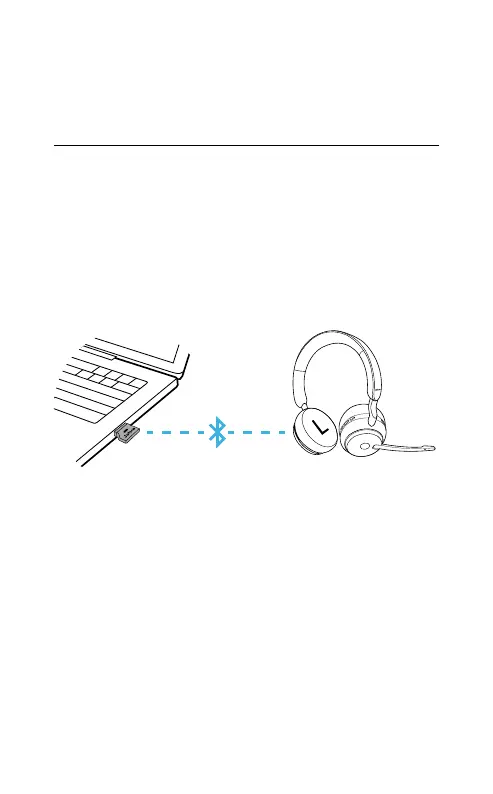
Plug the supplied Jabra Link 380 into a USB
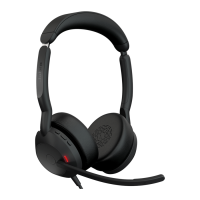
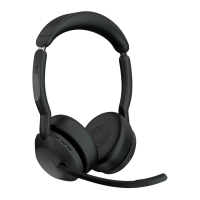
port on your computer. The Jabra Evolve2 65
and the Jabra Link 380 are pre-paired and
ready for use out of the box. The Bluetooth
range is up to 30 meters or 100 feet.
To hear music in the headset you may need to
select the Jabra Link 380 as the playback device
in your operating system’s audio settings.
To manually pair the Jabra Evolve2 65 with the
Jabra Link 380, download and use Jabra Direct.









 To Next Page