14
ENGLISH
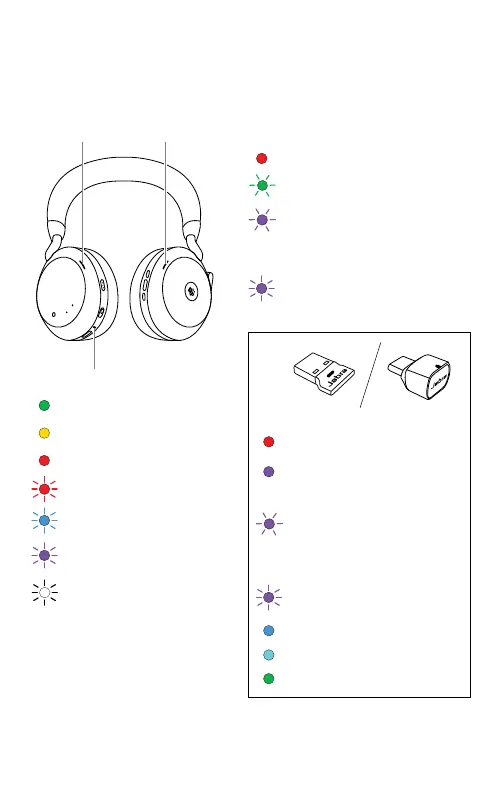
5. What the LEDs mean
BUSYLIGHTMICROSOFT* LED
Busylight
Incoming call
(slow flash) Headset is trying
to connect to Microsoft
Teams. Will time out after 10
seconds*
(fast flash) Microsoft Teams
notification*
STATUS LED
Busylight LED Busylight LED
Power on/Battery full
Battery medium
Battery low
Battery critically low
Pairing mode
Resetting/Firmware
updating
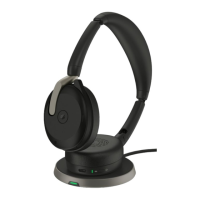
Headset docked in
optional charging stand
*requires Microsoft Teams headset variant
JABRA LINK 380 LED
Microphone muted
Plugged into computer
and signed into Microsoft
Teams*
(slow flash) Headset is
trying to connect to
Microsoft Teams. Will time
out after 10 seconds*
(fast flash) Microsoft
Teams notification*
Bluetooth connection
Streaming music/media
Incoming call/Active call










 To Next Page