16
ENGLISH
6.2 Pair with a smartphone
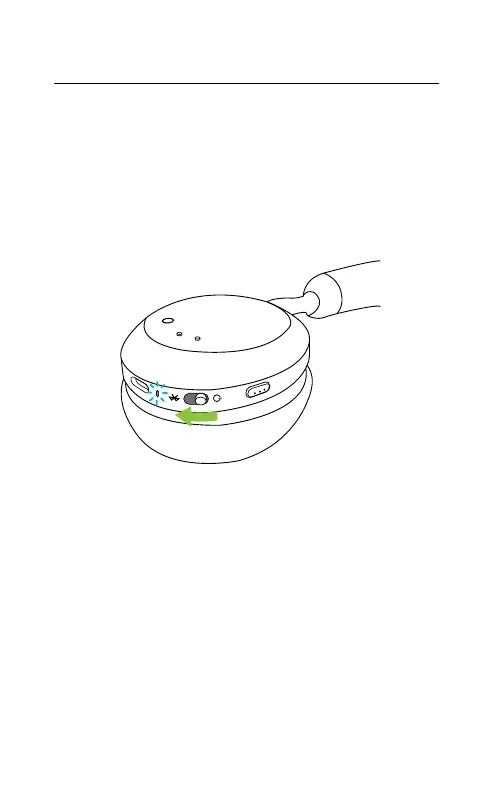
1. Slide the On/Off switch to the Bluetooth
position and hold it there until the LED
flashes blue and you hear an announcement
in the headset.
2. Go to the Bluetooth menu on your
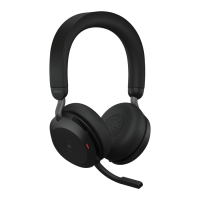
smartphone and select the Jabra Evolve2 75
from the list of available devices.
When pairing to an Android device with Google
Fast Pair enabled, simply put the headset into
pairing mode and you will be prompted on your
nearby Android device if you wish to pair the
headset.
Left earcup









 To Next Page