EasyManua.ls Logo

Jabra Evolve2 75 - Page 20

Jabra Evolve2 75
37 pages
Print Icon
To Next Page IconTo Next Page
To Previous Page IconTo Previous Page
Loading...
20
ENGLISH
Activate Voice
Assistant (i.e.
Siri, Google
Assistant,
Amazon Alexa)
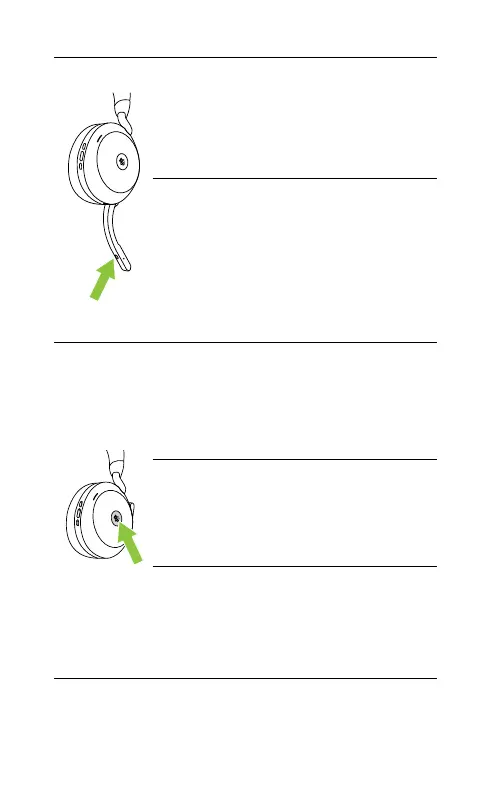
Press the Voice button,
when not on a call
Mute/unmute
microphone
Press the Voice button,
when on a call
Alternatively, move the
microphone boom arm
up to mute, or down to
unmute. See section
7.9
Bring Microsoft
Teams to
foreground on
computer
Press the Microsoft
Teams button* (when
signed into Microsoft
Teams)
Join active
Microsoft Teams
meeting
Press the Microsoft
Teams button* (when
signed into Microsoft
Teams)
View Microsoft
Teams missed
calls and
voicemails
Press the Microsoft
Teams button* (when
signed into Microsoft
Teams)
*requires Microsoft Teams headset variant

Other manuals for Jabra Evolve2 75

Related product manuals