23
ENGLISH
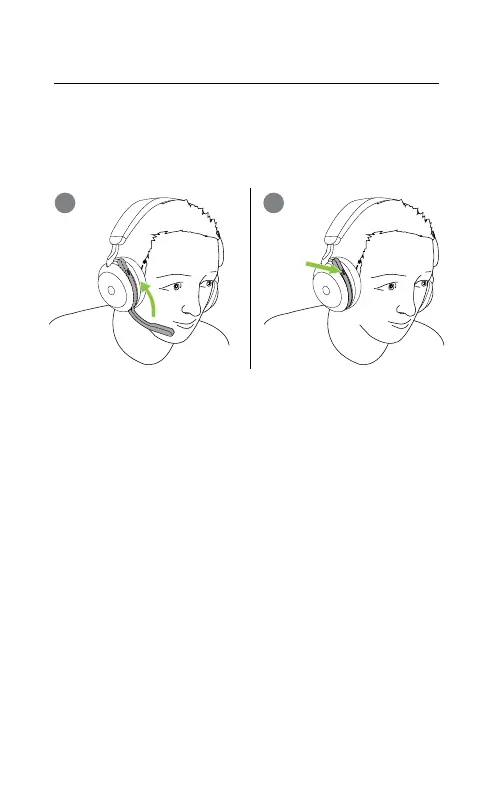
7.4 Switching microphones
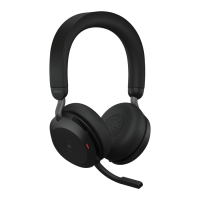
To use the earcup microphones instead of the
boom arm microphone, raise the boom arm and
then press the Voice button.
Voice
button
1
2
To use the boom arm microphone instead of
the earcup microphones, lower the boom arm
all the way down.
The microphone performance is best when
using the boom arm microphone.
For Microsoft Teams headset variants, this
functionality needs to be enabled using the
Jabra Sound+ app or Jabra Direct on your
computer.









 To Next Page