25
ENGLISH
7.6 Busylights
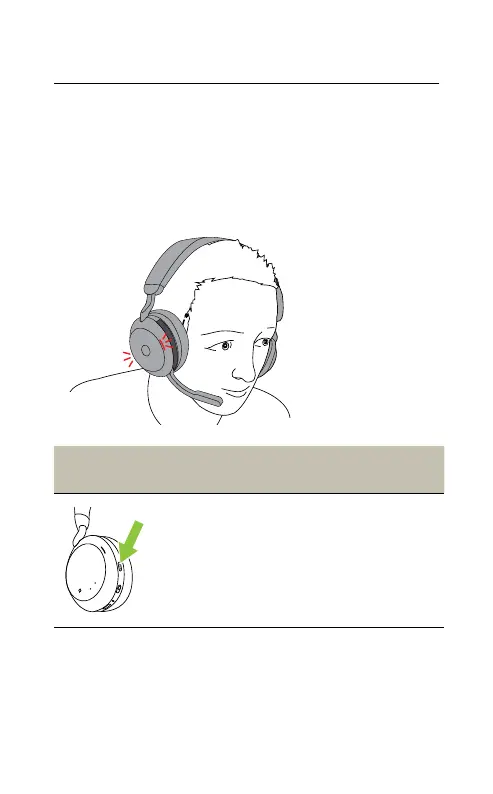
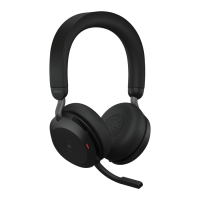
The Busylights on the headset automatically
light up red when you are on a call to indicate
to colleagues that you are busy. To manually
switch the Busylights on/off, press the Volume
up and Volume down buttons at the same time.
Right
earcup
Busylight
Turn Busylight
on/o
Press the Volume up
and Volume down
buttons at the same
time. You will hear
‘Busy’ or ‘Available’ in
the headset
Busylight settings can be configured using the
Jabra Sound+ app on your smartphone or Jabra
Direct on your computer.










 To Next Page