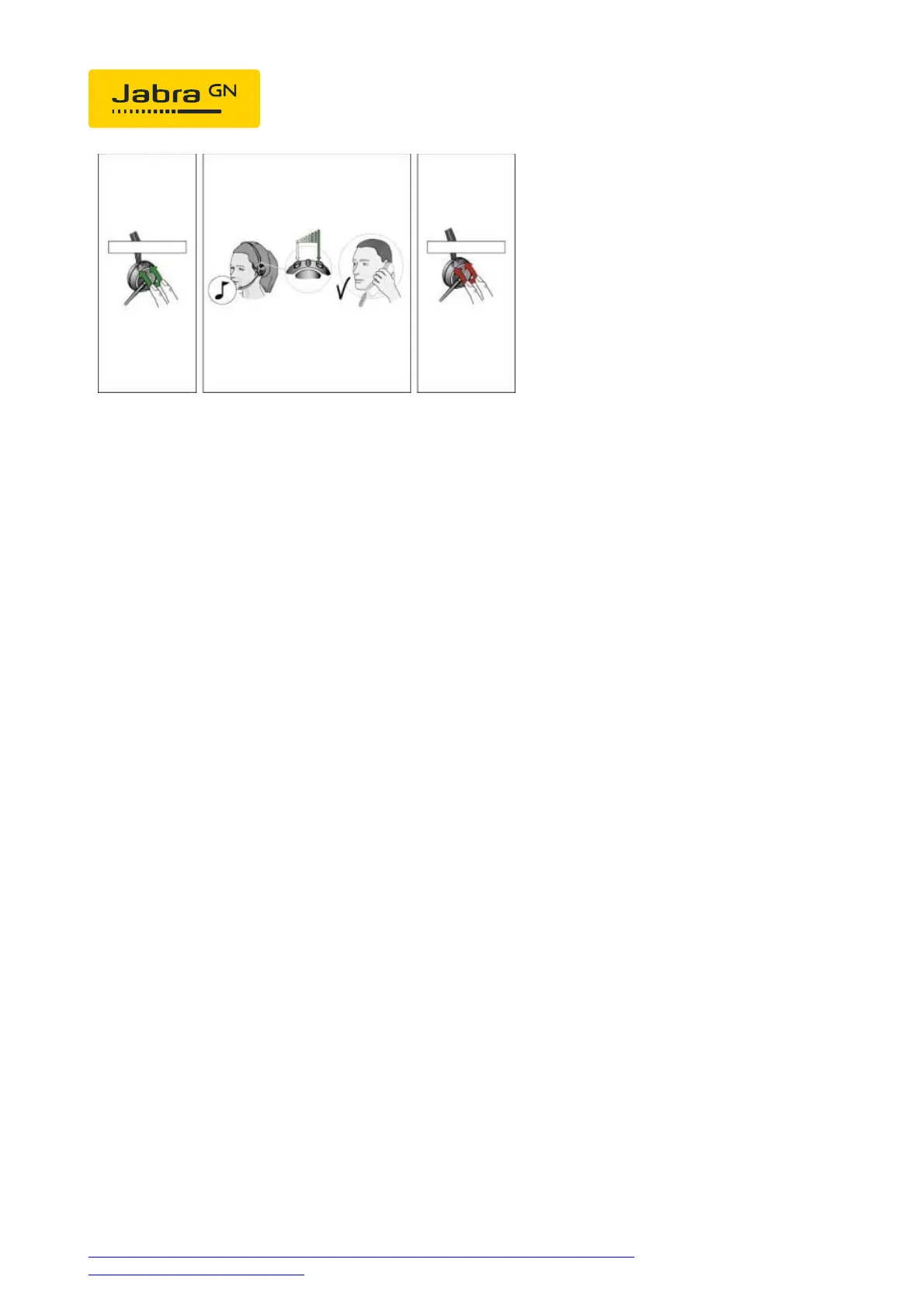
You can now increase the volume with PLUS or decrease the volume
with MINUS. To confirm, after approx. 10 seconds a low signal tone
sounds in the headset in the background. The settings are then saved.
Phone setup:
On the phone, hit Menu>Options>Settings>Advanced
options>Automatic Gain Control. Then turn off the handset and headset
"auto gain control". Press "change" key to save.
https://www.jabra.co.uk/supportpages/jabra-gn9120/9120-281-11/faq/0f2a5ee5-
8734-473b-81b6-0b593baaaa41
Page 4 of 4




 To Previous Page