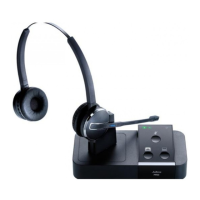
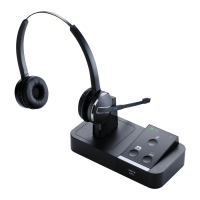
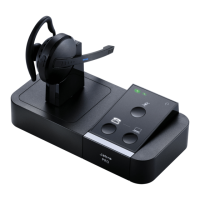
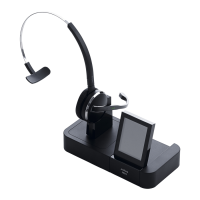
Jabra Pro 9450 Mono Flex
How to connect my Jabra PRO 9450 with Alcatel IP Touch
4028 EE, 4038 EE, 4068 EE
Prerequisite:
Jabra PRO 9450 + Jabra LINK 14201-20
In combination with one of the following phones:
IP Touch 4028 EE
IP Touch 4038 EE
IP Touch 4068 EE
EE = Extended Edition
Connection:
1. Insert the RJ9 to RJ9 connection cable supplied with the Jabra PRO
94x0 into the socket marked with the "phone" on your Jabra PRO 94x0
base and the other end into the socket marked with a "phone" on the
EHS adapter
2. Now connect the end of the RJ45 to RJ45 connection cable (EHS
adapter) marked in "red" to the socket marked "AUX" on the EHS
adapter to the "AUX" socket on your Jabra PRO 94x0 base.
3. With the cable marked white D, connect the Headset / Handset socket
on your Jabra LINK EHS Adapter to the 3.5 mm headset socket on the
side of your desk phone.
4. Now connect the RJ12 to RJ12 connection cable marked orange and
"A" to the socket of the EHS adapter identified with "COM" as well as
with the "bell" socket on your phone.
Please be aware that the phone will not be fully functional until the
https://www.apac.jabra.com/supportpages/jabra-pro-9450/9450-25-707-
103/faq/8df8fc6e-dbbb-43d7-ae3d-d33e7ff4bbf7
Page 1 of 4

 Need help?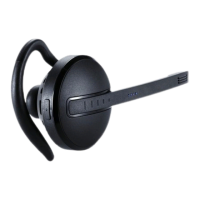






 To Next Page
 General