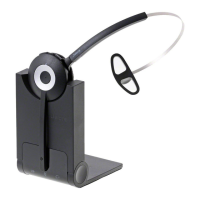
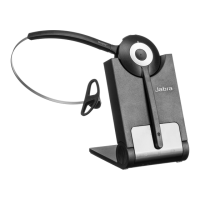
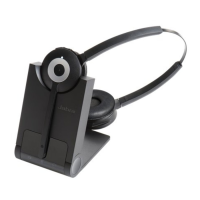
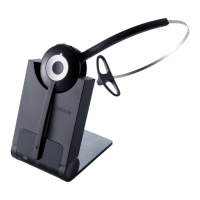
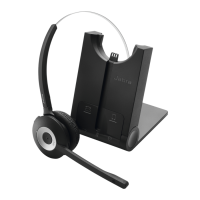
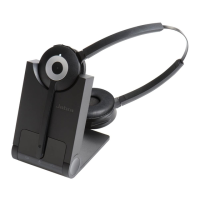
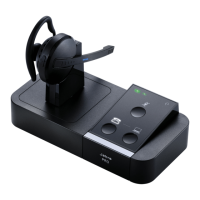
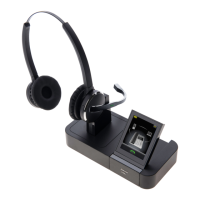
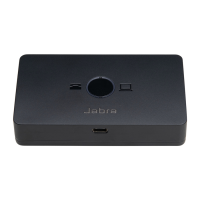
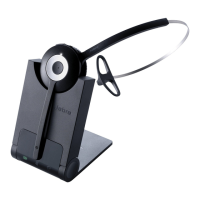
2. Follow the setup instructions for your Jabra wireless headset. If the
headset base requires manual configuration, set the Electronic Hook
Switch setting to “DHSG” and set the dial tone switch to position “A”.
3. Make a call to the headset. If the volume of your voice is too loud or
quiet to the person you are calling, adjust the headset microphone
volume until you achieve the optimum level.


 To Previous Page