6
english
JABRA STONE
PAIRInG It WItH YoUR PHone
Headsets are connected to phones using a procedure called
‘pairing’. By following a few simple steps, a phone can be paired
with a headset in a matter of seconds.
1 Put the headset in pairing mode
1.a First time pairing
- Take the headset out of the portable charging unit. The
headset will automatically start up in pairing mode (showing
flashing blue light on the Jabra StatusDisplay
TM
) and start
searching for a device.
1.b Pairing with another phone or re-pairing
- Take headset out of the portable charging unit. Turn the
headset off by long press on Answer/End button. Turn the
headset on again by long press on Answer/End – keep pressing
until StatusDisplay
TM
show flashing blue light.
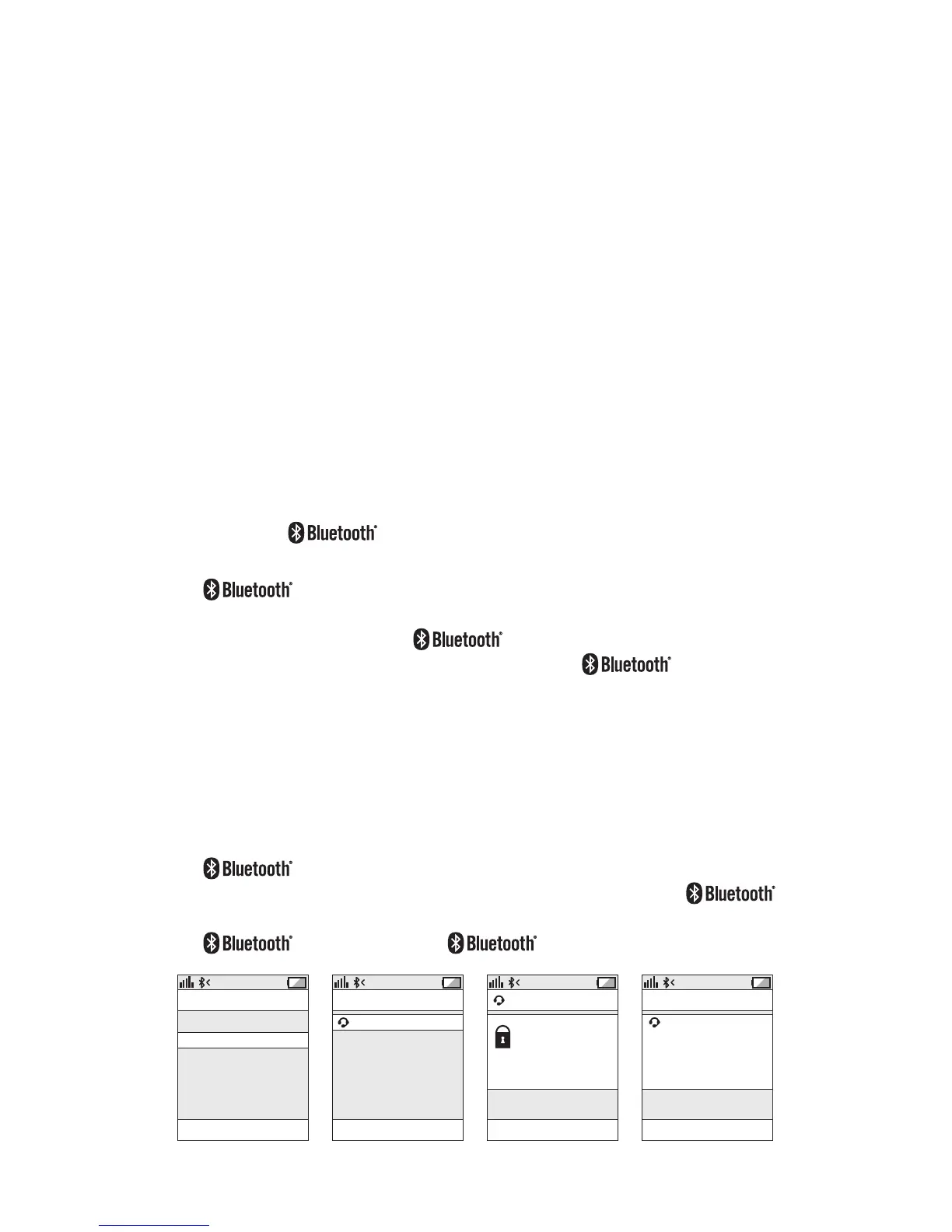
2 Set your phone to ‘discover’ the Jabra STONE
- Follow your phone’s instruction guide. First make sure that
is activated on your mobile phone. Then set your
phone to discover the headset. This usually involves going
to a ‘setup,’ ‘connect’ or ‘ ’ menu on your phone and
selecting the option to ‘discover’ or ‘add’ a device.*
3 Your phone will find the Jabra STONE
- The phone will find the headset under name “Jabra STONE”.
- Your phone then asks if you want to pair with the headset.
- Accept by pressing ‘Yes’ or ‘OK’ on the phone. If your phone
asks for passkey or PIN confirm with 0000 (4 zeros). Your phone
will confirm when pairing is complete. Jabra STONE supports
version 2.1 including Simple Secure Pairing meaning
that the headset can be paired with a phone or other
device without using PIN or passkey but only if the other
device supports version 2.1 also.







 To Next Page