7
english
JABRA STONE2
WeARInG stYLe
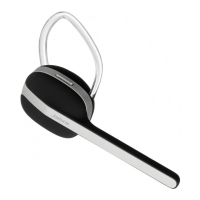
Wear Jabra STONE2 on your right ear and enjoy the comfort.
Try out the dierent ear gels included in the pack to nd your
preferred t.
HoW to
The Jabra STONE2 is easy to operate. The Answer/End button
performs dierent functions depending on how long you press it:
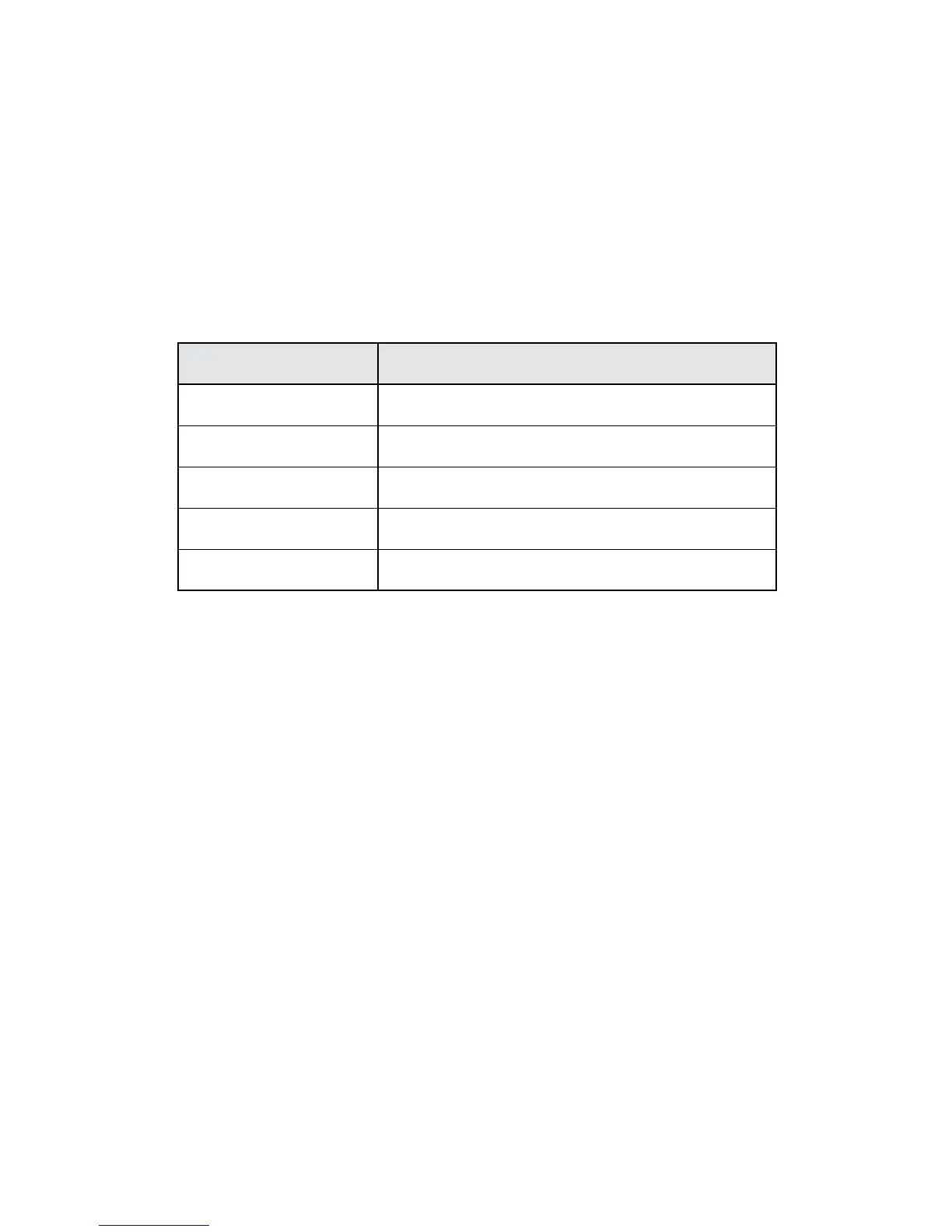
Instruction Duration of press
Tap Press briey
Double tap Press briey two times within 1/2 second
Press Approx: 1-3 second
Long press Approx: 4-5 seconds
Extra long press Approx: 5-10 seconds
Answer a call
- Tap the Answer/End button
- Say “Answer” after the caller is announced.**
End a call
- Tap the Answer/End button
Reject/ignore a call*
- Double Tab the Answer/End button when the phone rings to
reject an incoming call. Depending on your phone settings, the
person who called you will either be forwarded to voice mail or
hear the busy signal
- Say “Ignore”
Make a call*
- When your Jabra STONE2 is connected to your phone, all calls
made from your phone will automatically be transferred to
your headset. (Subject to phone settings)
Last number redial**
- Double tap the Answer/End button
* Refer to phone’s user manual
** Phone dependent








 To Next Page