7
english
jabra STYLE
5. HOW TO CONNECT
5.1 CONNECT WITH A BLUETOOTH DEVICE
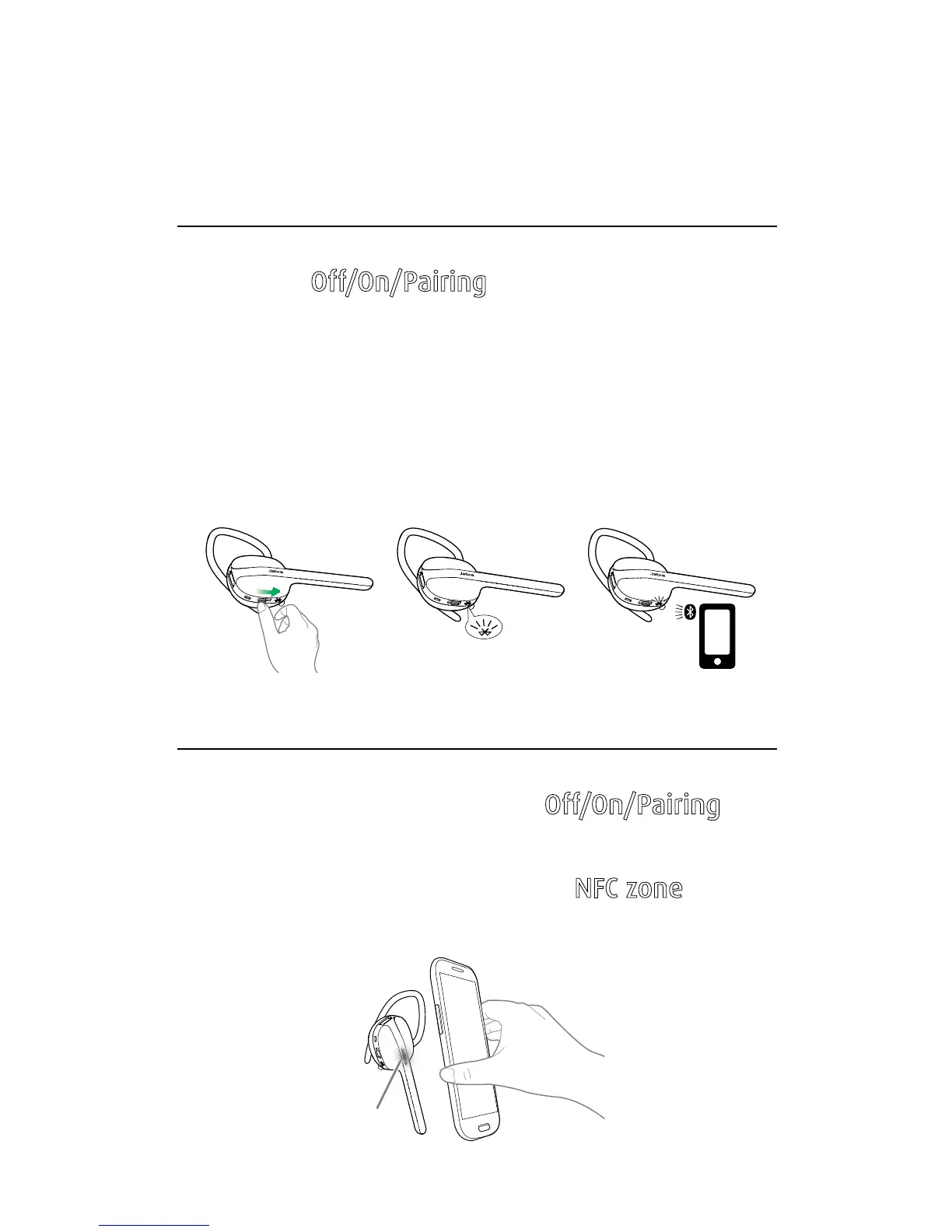
1. Hold the Off/On/Pairing switch in the Pairing
position for 3 seconds.
2. Pairing mode will be announced in the headset,
and the light will flash blue.
3. Follow the voice-guided pairing instructions to
pair to your Bluetooth device.
5.2 CONNECT WITH AN NFC DEVICE
1. Turn the headset on (set the Off/On/Pairing
switch to the On position).
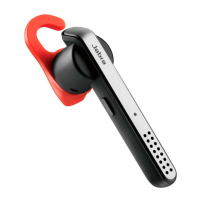
2. Hold an NFC device against the
NFC zone of the
headset (the Jabra logo).
NFC zone




 To Next Page