IMPORTANT NOTE: When recharging your power station with solar panels, make sure the voltage of the
solar panels is no more than 30V. Otherwise, it may cause damage to the unit. For additional support,
call us at 1-888-502-2236.
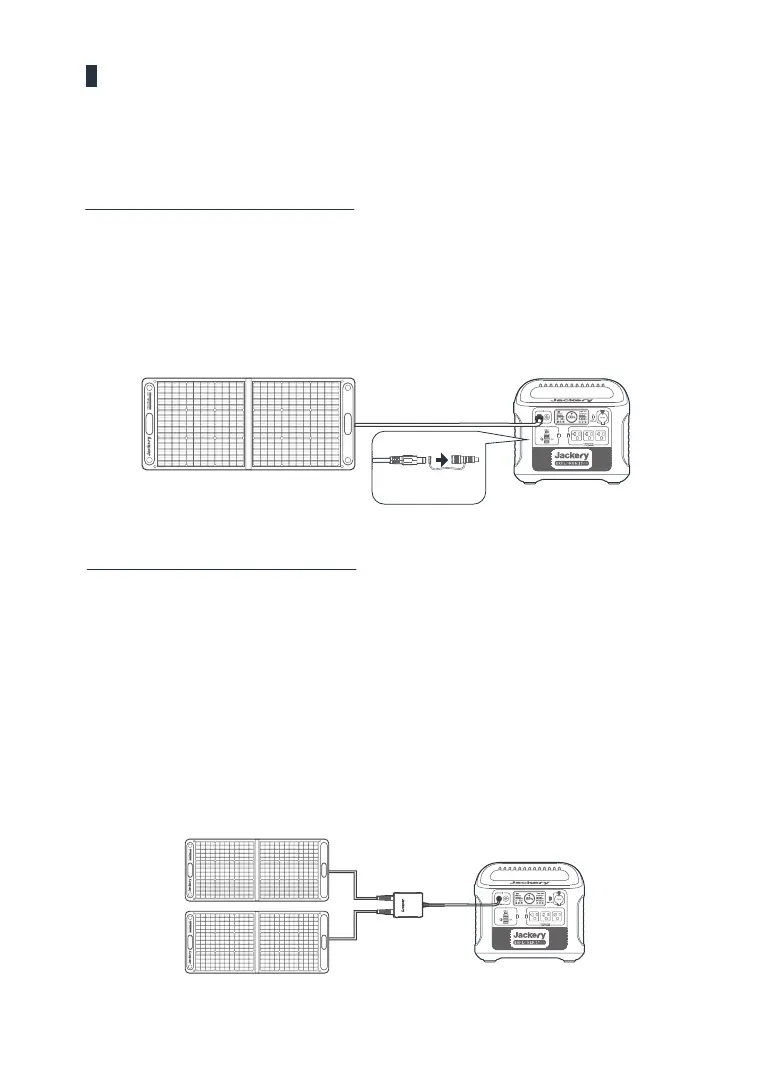
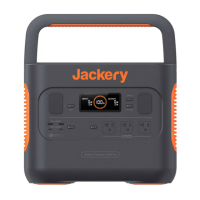
One SolarSaga 100W for the Explorer 1500
Solar recharging steps:
Find the DC interface on the back of SolarSaga 100W;
Connect the DC interface with the adapter(included), and then plug it into the DC input of
Explorer 1500.
Find the DC interface on the back of SolarSaga 100W;
Connect the DC interfaces of 2*SolarSaga 100W with the Solar Charge Adapter;
Solar recharging steps:
SolarSaga 100
Explorer 15002*SalarSaga 100
Explorer 1500
07
Charging from Solar
1
2
1
2
Connect the Solar Charge Adapter with the DC input of Explorer 1500.
3
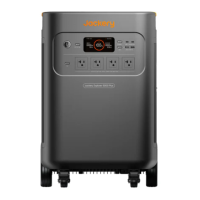
You can plug two sets of two SolarSaga 100W panels into both DC inputs of the Explorer
1500 for double the solar charging speed (4* SolarSaga 100W panels total).
4
Two SolarSaga 100W for the Explorer 1500
Two SolarSaga 100W solar panels (not included)can quickly charge the Explorer 1500 within 8.5 hours.
Adapter
DC interface







 To Next Page