09
US
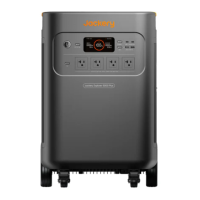
CHARGING YOUR JACKERY EXPLORER 5000 PLUS
Fully charge the device before its first use.
Charging Via AC Wall Outlet
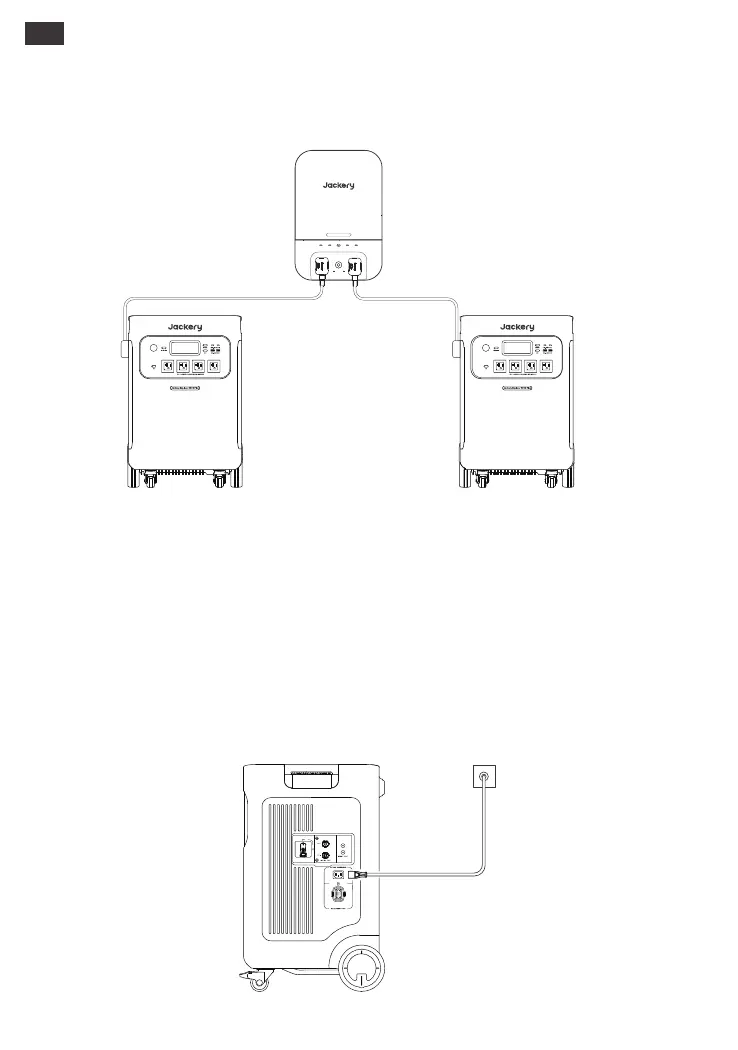
Connect the AC charging cable to the AC input port of the power station and plug it into the
wall outlet.
Note: 1. The recommended charging temperature for the product is between 0°C to 45°C (32°F to 113°F),
and the discharging temperature is between -15°C to 45°C (5°F to 113°F). Operating the product outside
this temperature range may restrict its charging and discharging capabilities, or even render it unable
to charge or discharge.
2. The charging power and battery capacity of the product may vary due to temperature fluctuations.
*When the ambient temperature is between -15°C to -10°C(5°F to 14°F), the maximum output power
decreases to 3600W.
AC Charger
Jackery Explorer 5000 Plus can be connected to the Jackery Smart Transfer Switch to power your
entire house. For details on how to use it, please refer to the Jackery Smart Transfer Switch user manual.
CONNECT TO JACKERY SMART TRANSFER SWITCH
(SOLD SEPARATELY)
AC2ERRORIOTGRIDAC1
Smart Transfer Switch
POWER
PAUSE/RESUME







 To Next Page