10
US
Caution
*When connecting solar panels in series, ensure that the maximum voltage output of all panels is
within 16V-60V for the low-PV input port, and 135V-450V for the high-PV input port.
*When the two inputs are used at the same time, please make sure to use the same type of solar panel
and the number of solar panels in the two inputs must be the same to avoid damage or
charging problems of the equipment due to inconsistent voltages of the two channels.
Charging Via Solar Panels
Low-PV input voltage range: 16V < total solar input < 60V
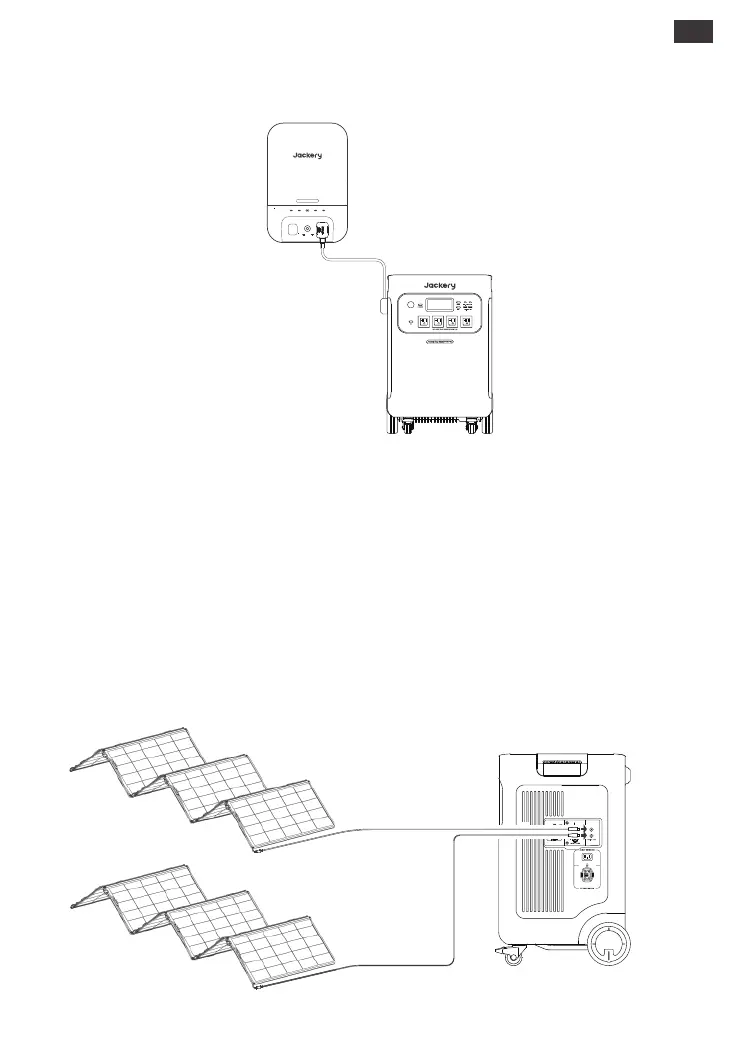
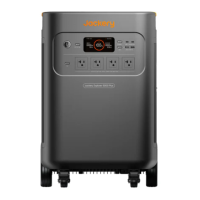
The Jackery Explorer 5000 Plus has two low-PV input ports, each one supports direct connection of
one 500W or three 200W solar panels. If one low-PV input port needs to connect two or more solar
panels simultaneously, please refer to the figure below for charging through the solar panel connector
(sold separately, not included as standard).
Connect to Low-PV input port
Connect your Jackery Smart Transfer Switch to the product to enable charging via the Jackery
Smart Transfer Switch.
Charging Via Smart Transfer Switch
Jackery Explorer 5000 Plus
SolarSaga 500 X ×2
AC2ERRORIOTGRIDAC1
Smart Transfer Switch
POWER
PAUSE/RESUME








 To Next Page