en-38
5 CONTROLS
5.5.12 CHANGE PIN________________________________________________________
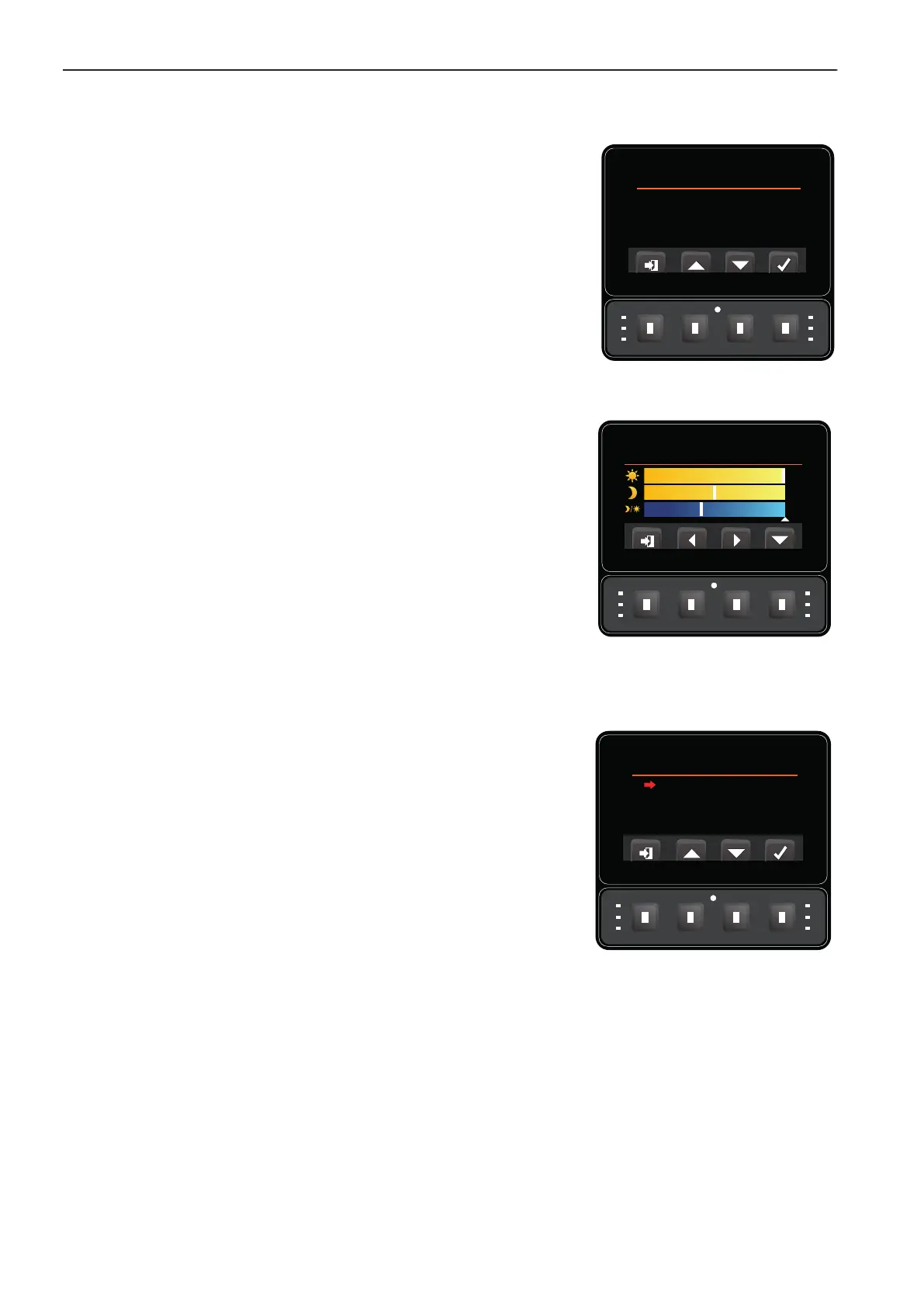
Using the PIN Menu Buttons 2 and 3 to arrow down to the bottom of the
list, and Button 4 to select Change Pin, this gives you the option to change
from the default Owner’s PIN Number.
5.5.13 BRIGHTNESS _______________________________________________________
Using the Settings Menu Buttons 2 and 3 to
arrow down to the bottom of
the list, and Button 4 to select Brightness, this gives you the option to
change from day to night mode.
The top line is used to alter the brightness in daytime mode. The middle line
is used to alter the brightness in night time mode. Bottom line is used to set
the threshold at which the screen automatically changes from daytime to
night time mode and vice-versa.
Note: The small white triangle below the 3 lines indicates current light level.
5.5.14 LANGUAGE MENU ___________________________________________________
When you access the language selection page, the check-mark appears
next to the selected language.
When the check-mark is moved up and down, the language does not
change until Button 4 is used to select and store the language. At that point
the title bar changes to the new selected language.
The options will always be in the correct language.
English, Deutsch, Francais, Dansk, Svensk, Nederlands and Español.
Change Pin - Owner
New PIN: * * * *
Confirm: 1 _ _ _
Language
English
Deutsch
Francais
Dansk
Svensk
Nederlands
Español


 To Next Page