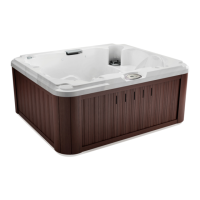
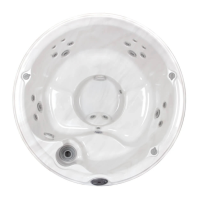
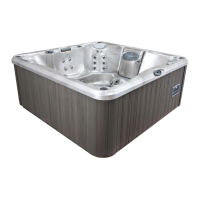
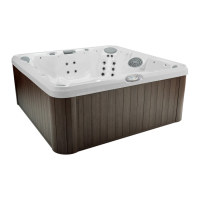
J-200
10.10 Optional SmartTub™ System (60Hz models only)
Advances in technology have allowed us to create a better and smarter
hot tub. Our SmartTub™ system operates on a cellular network. The
advantages of this system are:
• A more stable connection to internet for outdoor environment.
The SmartTub™ device uses much less data than a typical
voice connection via cellular networks. We contract through the
largest wireless carriers to ensure maximum uptime. The system
enables rmware updates via the cell connection so your system’s
performance will continously be optimized remotely.
• Maintenance is made easy by alerts sent to your phone.
• Diagnostic alerts are sent to you and your dealer when attention is
required.
A. Pairing process
1. Download the SmartTub™ app from the Google Play store or Apple
App store.
2. Open the app and create an account.
3. Locate the SmartTub™ sticker next the control panel of the hot
tub. You can either scan the QR code with the SmartTub™ app or
manually input the serial number located below the QR code on the
sticker.
4. After you pair the hot tub’s serial number to the SmartTub™ app, the
app will load and connect the hot tub to the internet.
5. Follow the instructions on the app to begin enjoying the benets of
your internet connected hot tub.
Note: The rst year of data service is included. You will need to renew
the subscription after the rst year. Please refer to the terms of service
and privacy policy links in the SmartTub™ app for additional information.
B. Indicator Lights
There are indicator lights on the SmartTub™
controller that relay the status of the system. Below
are meanings of the lights.
1. Cloud:
• Blue light on - connected to cloud.
• Blue light off - not connected to cloud.
2. Spa:
• Blue light on - connected to spa controller
• Blue light off - not connected to spa controller
Status
ResetFunction
Cloud
Spa
Cellular Signal
29



 To Next Page