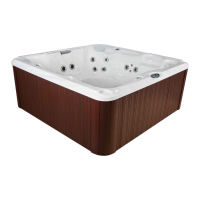
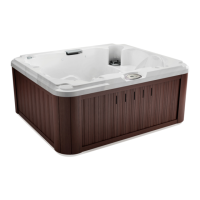
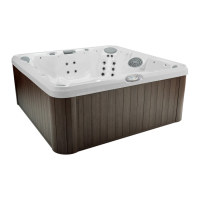
J-200
10.5 Air Controls
Certain jet systems have their own air control. Each control
introduces air into the water lines that supply that specic jet group.
Simply turn the air control of choice counterclockwise to open or
clockwise to close.
Note: To minimize heat loss, all air controls should be closed when the
spa is not in use. Certain jets may not draw air when jets pump 1 is
running in low speed; this is considered normal.
10.6 Blow-Out Cycle
This cycle will purge the air from the plumbing lines. The Jets Pump 2 (if
equipped) will turn on and run for 1 minute then shut off. This cycle will
only occur at the beginning of a lter cycle.
10.7 Cleanup Cycle
The cleanup cycle begins 30 minutes after the pump is turned off or it
times out. The Jets Pump 1 (low speed) and the CLEARRAY will turn
on for 30 minutes and then shut off. The duration of the cycle can be
programmed from 30 minutes up to 4 hours, page 38.
10.8 Optional SmartTub® System
Advances in technology have allowed us to create a better and smarter
hot tub. Our SmartTub® system operates on a cellular network. The
advantages of this system are:
• A more stable connection to internet for outdoor environment.
The SmartTub® device uses much less data than a typical
voice connection via cellular networks. We contract through the
largest wireless carriers to ensure maximum uptime. The system
enables rmware updates via the cell connection so your system’s
performance will continuously be optimized remotely.
• Maintenance is made easy by alerts sent to your phone.
• Diagnostic alerts are sent to you and your dealer when attention is
required.
A. Pairing process
1. Download the SmartTub® app from the Google Play store or Apple
App store.
2. Open the app and create an account.
3. Locate the SmartTub® sticker next the control panel of the hot
tub. You can either scan the QR code with the SmartTub® app or
manually input the serial number located below the QR code on the
sticker.
4. After you pair the hot tub’s serial number to the SmartTub® app, the
app will load and connect the hot tub to the internet.
30



 To Next Page