Description
Front view
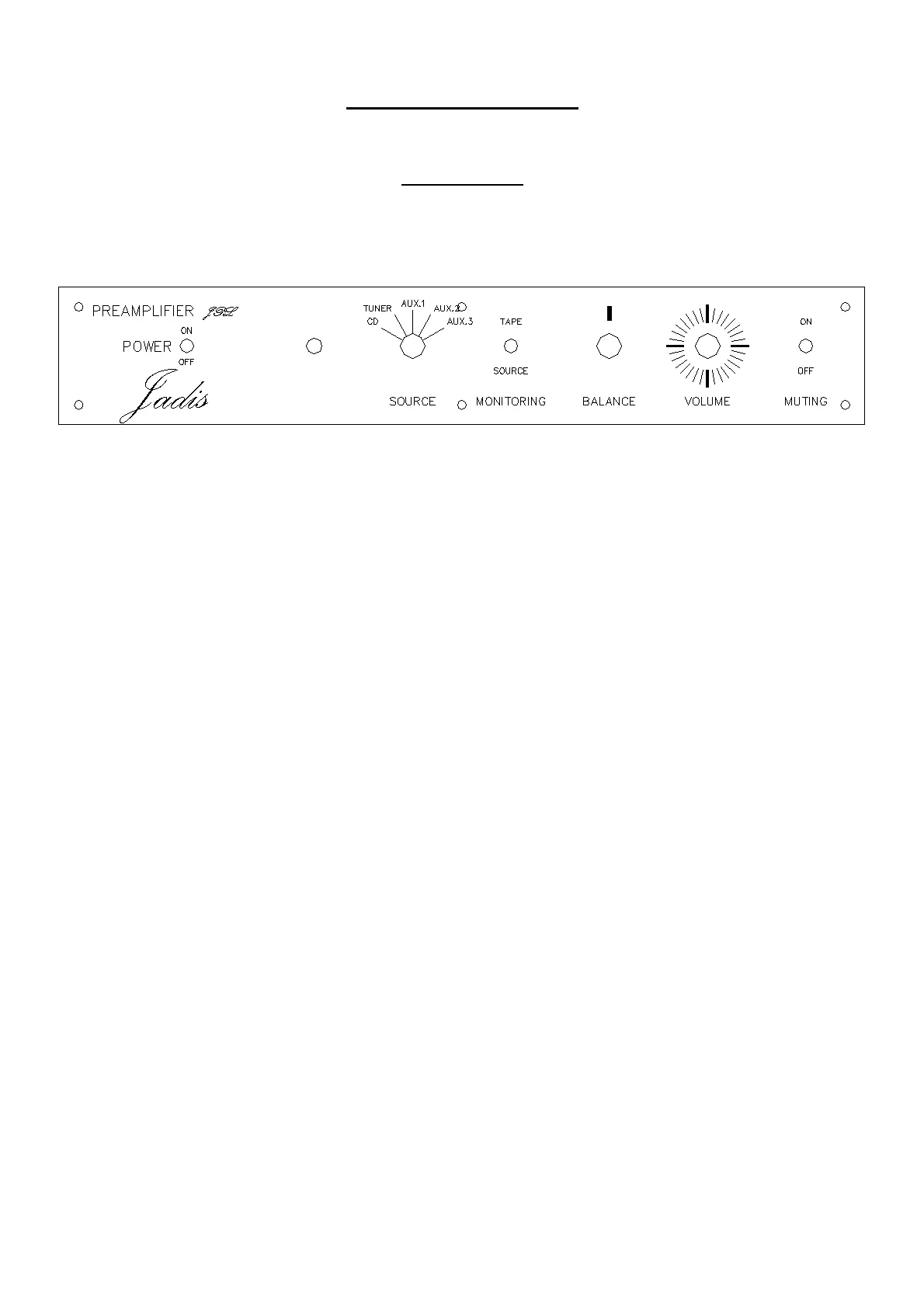
On the front panel, you will find:
- The power switch ON/OFF.
- The power led, Green for normal working. Red when the
muting switch is set to ON or during the temporizing
when starting (about few minutes).
- The source selector which allows to select the wanted input
between: CD, TUNER, AUX.1, AUX.2, AUX.3.
- The monitoring switch which allows to change the source
between SOURCE selector and inputs/outputs TAPE.
- The balance control knob.
- The volume control knob.
- The MUTING switch which cuts off the sound.



 To Next Page