21/12/ 2018, 8:45 - Jaga N.V.
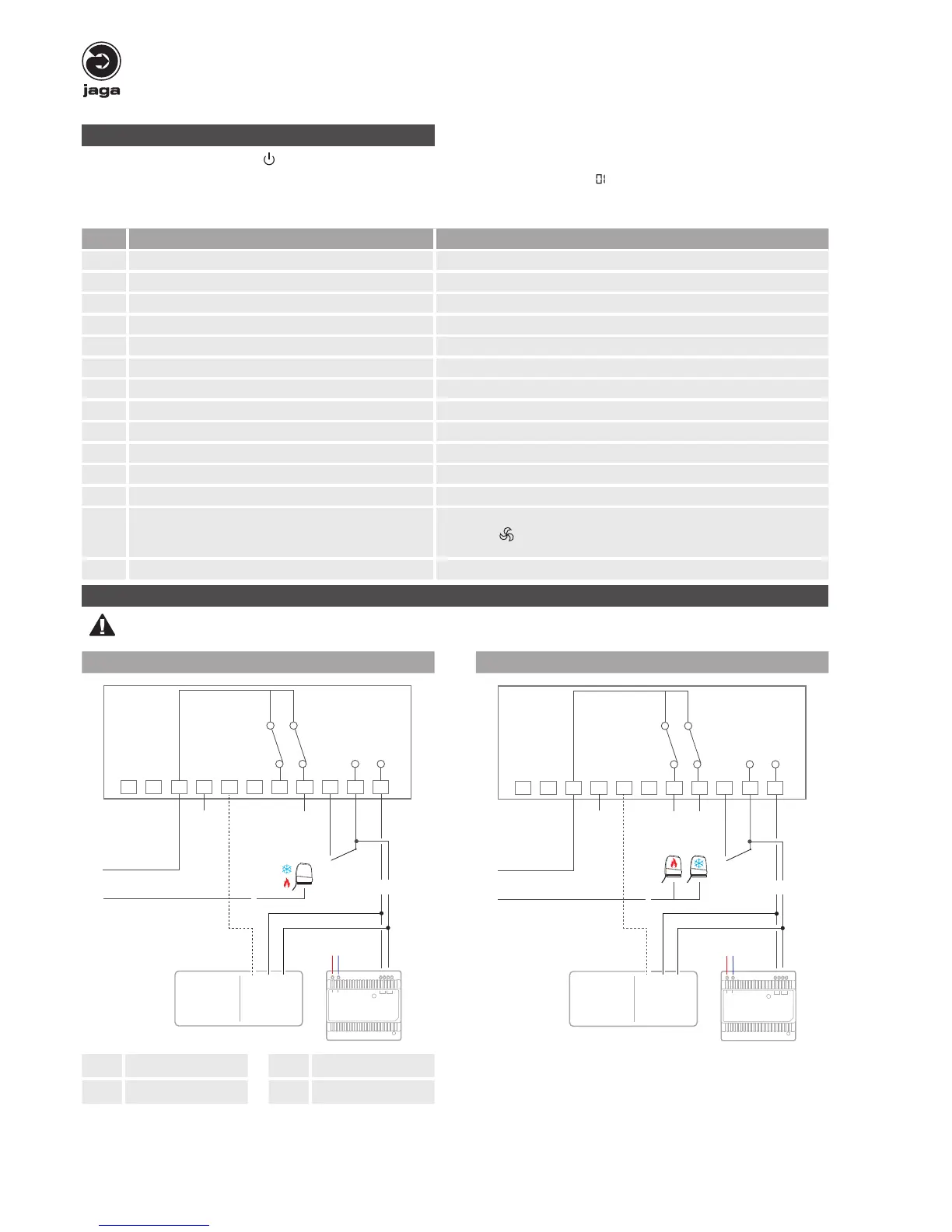
Wiring connections
Disconnect the power supply before making wiring connections, to prevent electrical shock and equipment damage.
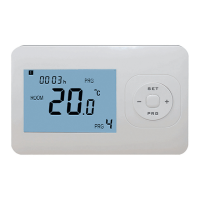
Jaga Room Thermostat JRT-200 installation manual
2-Pipe system 4-Pipe system
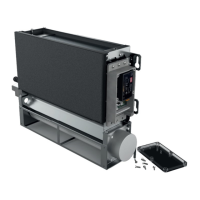
Briza
Clima Canal
Quatro Canal
....
- 24 VDC
+ 24 VDC
0..10 V
L
+ -
N
230 VAC
L1 N
H/C Heating / Cooling C Cooling
H Heating GND Ground
Parameter settings
• set Power Off, bij pressing the “ ” button
• to access the MENU , press and hold “M” and “+” buttons simultaneously for 10 seconds until „ “ displays. Press “+” and “-“ to change the
settings.
• toggle trough the menu with the “M” button
Menu Description Range
01 Temp. Offset -8 °C > +8°C, in steps of 0.5 ° C
03 Set Point High Limit +10 °C > +40°C, in steps of 0.5 ° C
04 Set Point Low Limit +10 °C > +40°C, in steps of 0.5 ° C
05 Display setting Room/Set (default Room)
06 Dead Band 0°C > +3°C (default 0,5°C)
07 Programmable Time setting: temperature +10 °C > +20°C, in steps of 0.5 ° C
09 Key-card select NO/NC (default NO)
10 Re-power status keep (default 1) 0:non keep 1:keep
11 2-pipes/4-pipes select 2/4 (default 4)
12 Fan output (0-10V) select dead band or not 0: with dead band 1: without dead band (default 0)
13 Heating / Cooling / Heating + Cooling Heating + Cooling default
14 80% - 90% - 100% fan speed 100% default
15 Back to factory settings
Select 0 or 1 (recovery) with the + and - buttons. After selecting “1”,
press the “
” button to go to the startup screen. Recovery is success-
ful.
16 Software version 107D


 To Previous Page
 Loading...