OPERATION GUIDE
First use - Setting the clock time:
You have to set the clock time when you plug in the appliance for the first time.
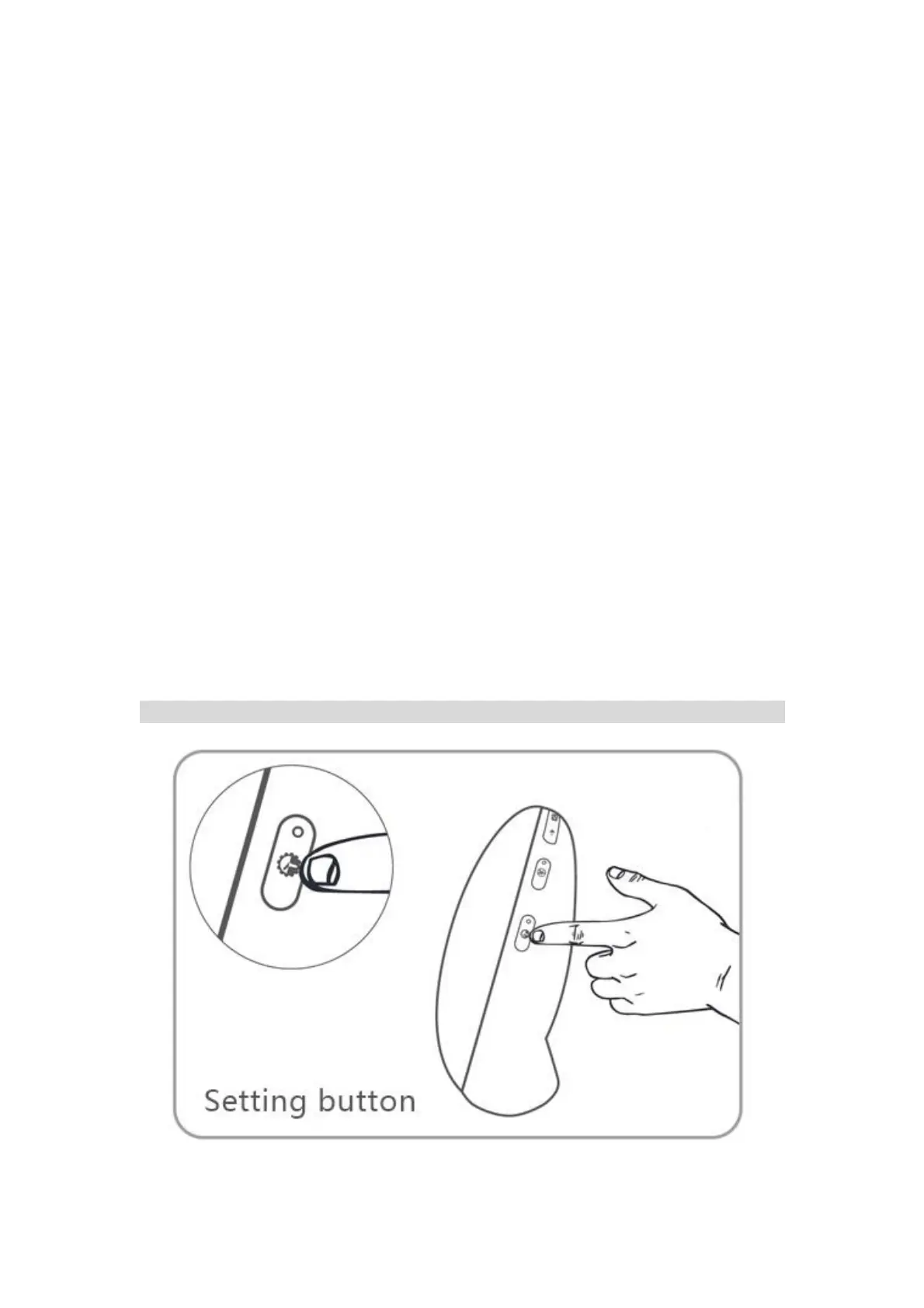
1. Hold the setting button (in the lower right corner) for 2 seconds to enter the time
setting mode.
2. Click +/- button (in the upper left corner) to select "Hour". For example, "6". Click
the setting button to confirm it.
3. Click +/- button (in the upper left corner) to select "Minute". For example, "15". Click
the setting button to confirm it.
4. Click +/- button (in the upper left corner) to select "12H or 24H". For example, "24H".
Click the setting button to confirm it.
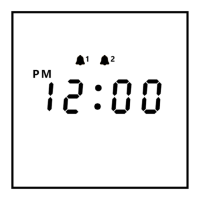
Please note: When the 12-H time format is selected, AM or PM icon will be displayed.
ThreeDucksDirect@outlook.com


 To Next Page