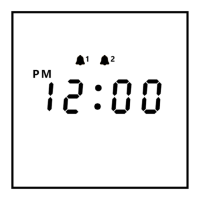
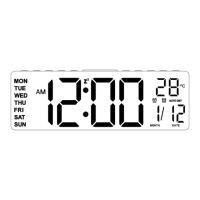
Setting the alarms for the clock:
1. Press the alarm 1 button to turn the alarm 1 on. Hope the alarm 1 button for 2
seconds to enter the alarm 1 setting mode.
2. Press +/- button to adjust "Hour". For example, "6". Press the alarm 1 button to
confirm it.
3. Press +/- button to adjust "Minute". For example, "30". Press the alarm 1 button to
confirm it.
4. Press +/- button to adjust "Ringtone". You can choose between 7 pre-set sounds or
FM radio as a wake-up sound. Press the alarm 1 button to confirm it.
5. Press +/- button to adjust "Volume". Press the alarm 1 button to confirm it.
6. Press +/- button to adjust "Brightness". Press the alarm 1 button to confirm it.
7. Press +/- button to adjust "Sunrise Simulation Time". You can set it to 10 minutes.
Press the alarm 1 button to confirm it.
You have set up the alarm 1. The sunrise light will be on gradually from 10% brightness
to 100% by 10 minutes from 6:20 AM. 10 minutes later, the alarm will go off at 6:30
AM. You can get an extra 9 minutes of sleep time after pressing the snooze button
(snooze up to 5 times). You can turn the alarm off by pressing the alarm 1 button. (Take
alarm 1 as an example, alarm 2 is the same.)
Please note: When alarm clock goes off, if there aren't any operations within 15
minutes, it will turn off the light and sound automatically.

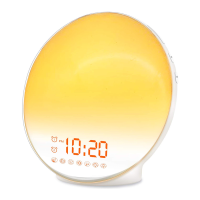

 To Next Page