EN 3
SET UP
CONNECT BOTH EARBUDS
CHARGING YOUR EARBUDS
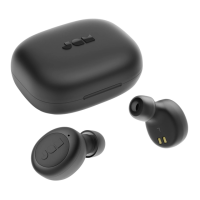
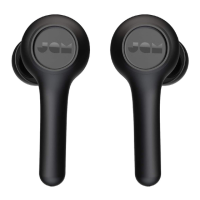
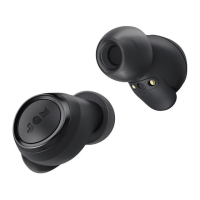
To charge your earbuds, place them into the
portable case. The red LEDs show that they are
charging. If the red LEDs do not appear when
placed in the case, adjust the earbuds to make
sure they are in line with the charging contacts.
When fully charged, the LEDs will shut off. It will
take approximately 2 hours to charge.
CHARGING YOUR PORTABLE CASE
Plug the small end of the micro USB cable into
the micro USB port, located on the right side of
the case. The LED on the case will show solid red
when charging. When the portable case is fully
charged, the three LED lights will remain on. Once
the USB cord is unplugged, the lights will turn off.
STEP 1 – TURNING ON THE EARBUDS
Your earbuds will automatically turn on when
taken out of the portable charging case. If you
need to turn them on manually, you can long-
press the “play/pause” for 3 seconds on
both earbuds.
STEP 2 – CONNECTING THE EARBUDS TO
EACHOTHER
When you take the earbuds out of their case,
they will automatically sync to each other. The
alternatively, while the slave earbud (right) LED
pairing mode and searching for a Bluetooth®
device to connect to.
If your earbuds don’t sync to each other
automatically, long-press the “play/pause”
button on both earbuds at the same time. This
will put your earbuds into sync mode, and the
LEDs will pulse blue once they are connected.
Once the earbuds connected, the master earbud
blue. Your earbuds are now in pairing mode and
searching for a Bluetooth® Device to connect to.
long-press
long-press 3s


 To Next Page