EN 4
STEP 3 – CONNECTING TO A DEVICE
Enable Bluetooth® on your device. From the
Bluetooth® menu, select “Jam Live Free” When
the device and Live Free are connected, you will
This means pairing is complete.
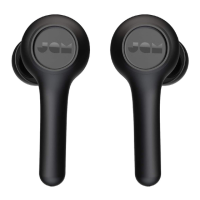
CONNECT 1 EARBUD
Connect the left earbud for mono sound.
This is a great option if you want to hear your
surroundings as well as your music.
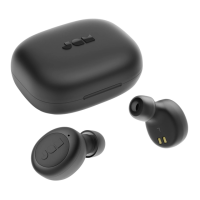
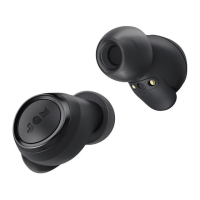
STEP 1 – TURNING ON THE EARBUD
Your earbud will automatically turn on when taken
out of the portable charging case. If you need to
turn it on manually, you can long-press the “play/
pause” button for 3 seconds on the earbud.
STEP 2 – PAIRING MODE
Once the left earbud is taken out of the case or
manually turned on, it should enter into pairing
will indicate your earbud is in pairing mode with
your device. If it does not enter pairing mode
automatically, press and hold the “play/pause”
button on the earbud for 2 seconds and the LED
STEP 3 – CONNECTING TO A DEVICE
Enable Bluetooth® on your device. From the
Bluetooth® menu, select “JAM Live Free.”
When the device and JAM Live Free are
connected, you will hear a tone and the LED’s will
JAM Live Free
Bluetooth®
Devices
JAM Live Free
Bluetooth®
Devices
2s
5s
To turn off your earbuds, place the earbuds back
in your case, or press and hold the “play/pause”
button on the earbuds for 5 seconds.
TURNING OFF YOUR EARBUDS
long-press 3s


 To Next Page