EN 4
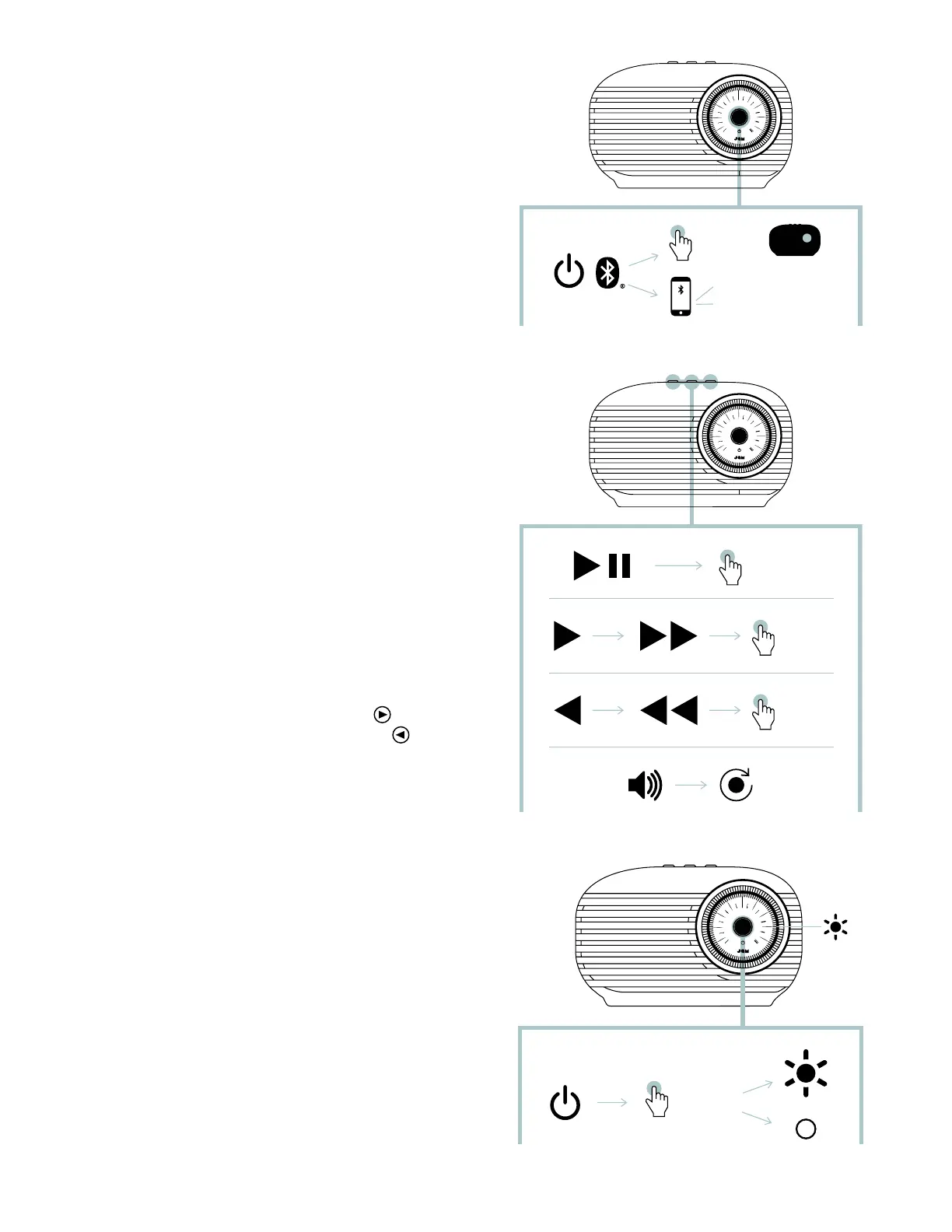
B – CONNECTING TO A DEVICE
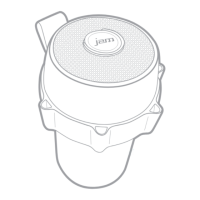
Once turned on, the speaker will immediately search
for a device to pair to. If a device has not been
previously paired, the LED light on the top of the
speaker will ash red and blue alternatively. Enable
Bluetooth
®
on your device. From the Bluetooth
®
menu, select “JAM Vintage”. When the device and
JAM Vintage are connected, you will hear a tone and
the LED light will turn solid blue momentarily then
move to a slow ashing blue.
You may also connect your device to the “Vintage”
speaker using an aux cable, which is not included.
When plugged in, the LED light at the top of the
speaker will turn solid red.
NOTE: Once paired, the speaker will remember the
device every time it is turned on. To disconnect the
speaker from the device, press and hold the “play/
pause” button for 3 seconds. You will hear a tone
and the LED light at the top of the speaker will ash
red and blue. The “Vintage” is now ready to pair to a
newdevice.
C – BUTTON FUNCTION
Quickly press the “play/pause” button once to play
your music.
To increase the volume, turn the volume dial
clockwise; to lower the volume, turn the volume
dialcounterclockwise.
To skip forward a track, quickly press the
button
once; to skip back a track, quickly press the
once.
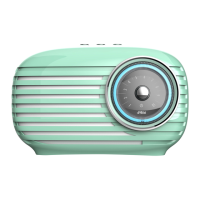
When the “Vintage” speaker is powered on, a ring of
light around the volume dial is illuminated. To turn off
this feature, press the power button once. To turn the
light on again, press the power button once more.
...1x
...1x
...1x
...4s
JAM
Vintage
JAM
Classic
...1x
...4s
JAM
Vintage
JAM
Classic


 To Next Page