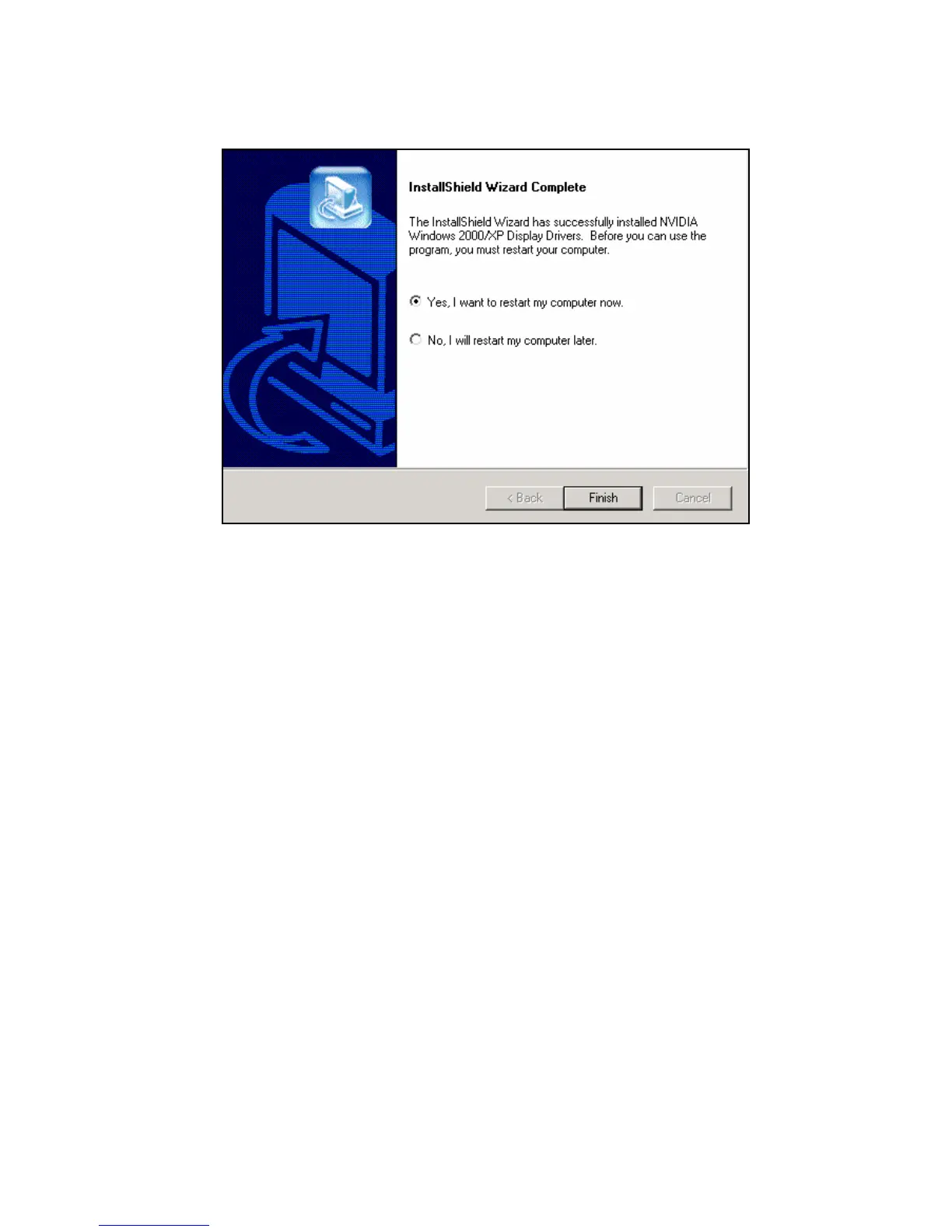
5.
Click on “Finish” to restart your computer, the new display
driver will be in place after Windows boots-up.
á Windows®XP Driver Installation
Upgrade video adapter to an existing system.
(Windows has been pre-loaded)
1. Select [Next] at Found New Hardware Wizard.
2. Check [Search for a suitable driver for my
device (recommended) ]then select [Next].
3. Insert the Software’s CD.
4. Check [Specify a location:]
5. Under [Copy manufacturer’s files from:] enter
D:\MX\WINXP, D is your CD_ROM drive.
Then select [OK].
21


 To Next Page