18
19
2 . 3 PAI R I CO N H D WI TH TH E N E R D
1
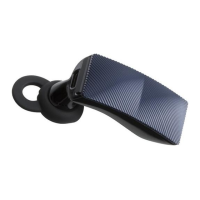
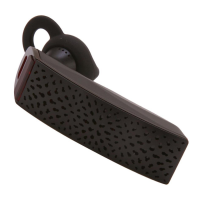
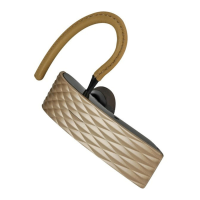
Activate pairing mode on your ICON HD.
See 2.1.
2 Plug THE NERD into your computer.
3 Press and hold THE NERD B U T TO N for
about three seconds until THE NERD
LE D flashes red & white. When pairing is
complete, THE NERD
LE D and ICON HD
LE D will both turn white.
4 Go to the sound settings on your
computer and select “Jawbone NERD”
as the output/input device (Mac) or
playback/recording device (PC).
NOTE Do not adjust the Bluetooth settings
on your computer.
Your ICON HD is now paired with THE
NERD. To use ICON HD with any computer,
just plug in THE NERD.
To pair THE NERD with other Jawbone
devices, repeat step 2.3.


 To Next Page