14
15
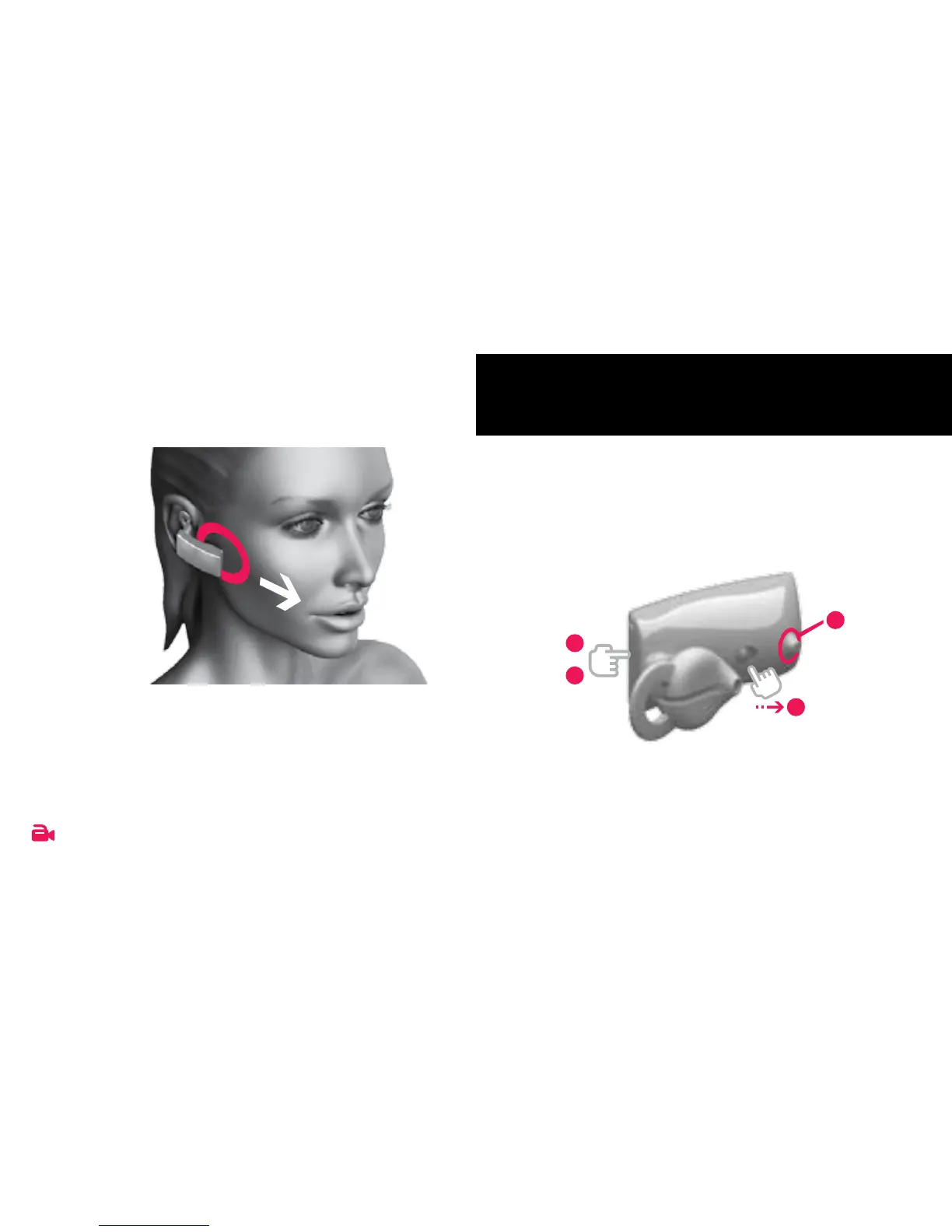
1 . 2 E N S U R E B E S T Q UA LI T Y
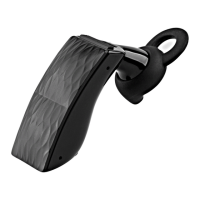
For best performance, the rubber Voice
Activity Sensor should touch your cheek
and the headset should point towards
your mouth.
VOI C E
AC T I V I T Y
S E N S O R
Watch video tutorials at JAWBONE.COM/fIT
Before you can begin using your ICON HD
™
,
you must pair it with your phone and/or
THE NERD
™
.
2 . 1 PR E PAR E YO U R IC O N H D
1
Press & hold the TA LK B U T T O N .
2 Slide the P OW E R SW IT C H on.
3 Wait for the LED R I NG to flash red & white.
4 Release the TA L K B U T TO N .
2
GET CONNECTED
1
4
2
3


 To Next Page