10
11
POWER UP
TO H EAR REMAINING BAT TERY LIFE
Press the TA L K B U T TO N when not
on a call.
WHEN BAT TERY IS LOW
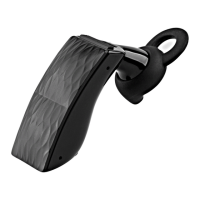
The L E D R I N G on your ICON HD will
flash
R E D.
BAT TE RY M E T E R O N YO U R P H O N E
IPHONE®
Shows up automatically when connected.
OTHERS (ANDROID
™
& BLACKBERRY®)
Go to MYTALK.JAWBONE.COM.
To charge, plug your headset into the wall
charger or USB port on your computer.
NOTE It takes 40 minutes to get your
ICON HD 80% charged. A full charge
takes 90 minutes. When fully charged, the
LED RING on your ICON HD will turn white.
LED R ING


 To Next Page