WWW.JAYS-AUDIO.COM Page 6 of 10
OPERATION
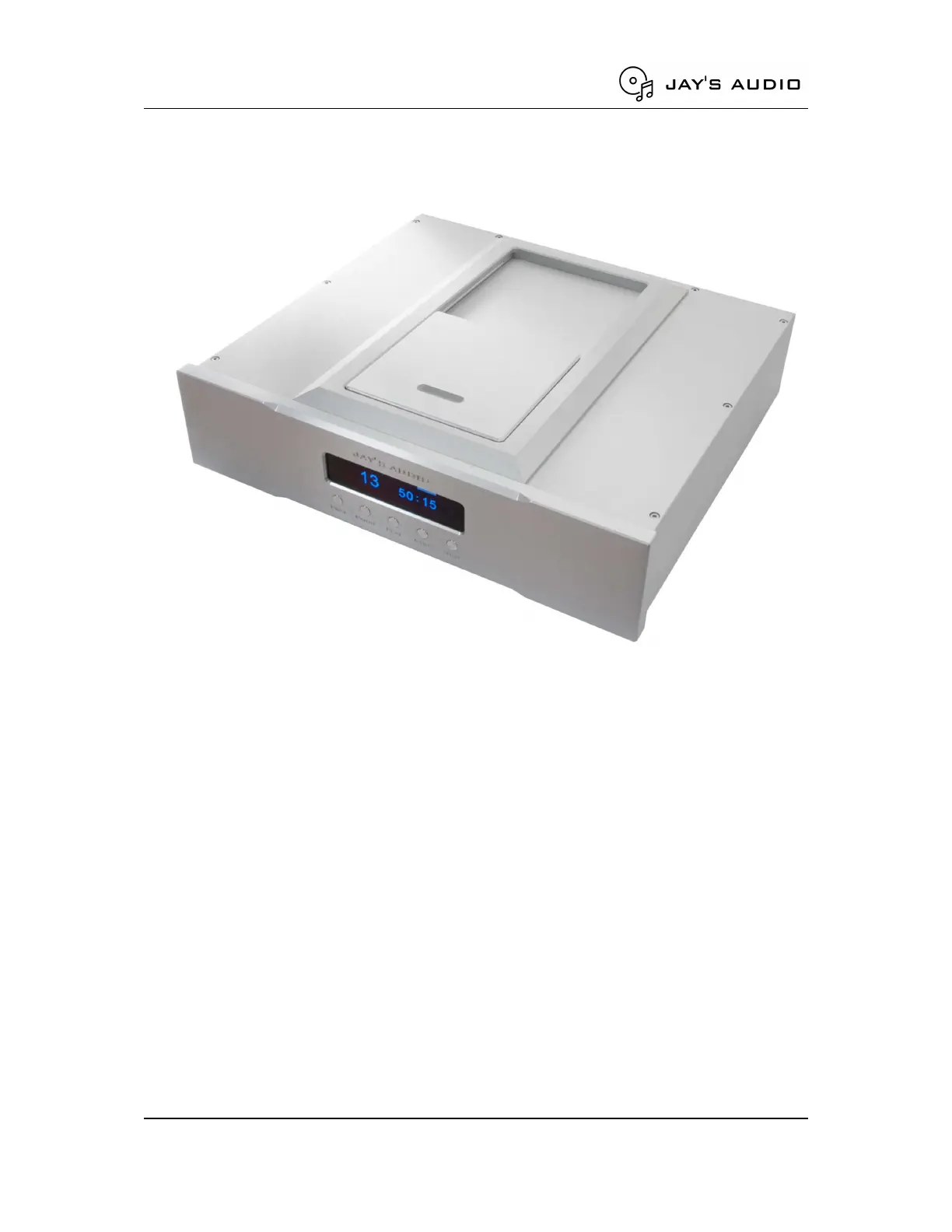
Figure 3. CDT2-MK3 Top Loading
Disc Loading
To open the CDT2-MK3 top loading door, slide the lid towards the rear of the unit fully. The
CDM4 assembly shall be visible, and the Disc Clamp shall be accessible.
Lift the Disc Clamp gently by holding the centre part of the Disc Clamp. Place a disc to the
centre of the disc holder. Place the Disc Clamp in the centre of the disc and disc holder.
The Disc Clamp is magnetic, once it is in position with the centre of the CDM4 spinner, you
should feel the grip. Please note that the Disc Clamp must be in the correct position for the
CDT to be operational.
Slide the top loading lid towards the front of the unit fully. The top loading lid limit switch
must be triggered for the CDT to be operational.


 To Next Page