11
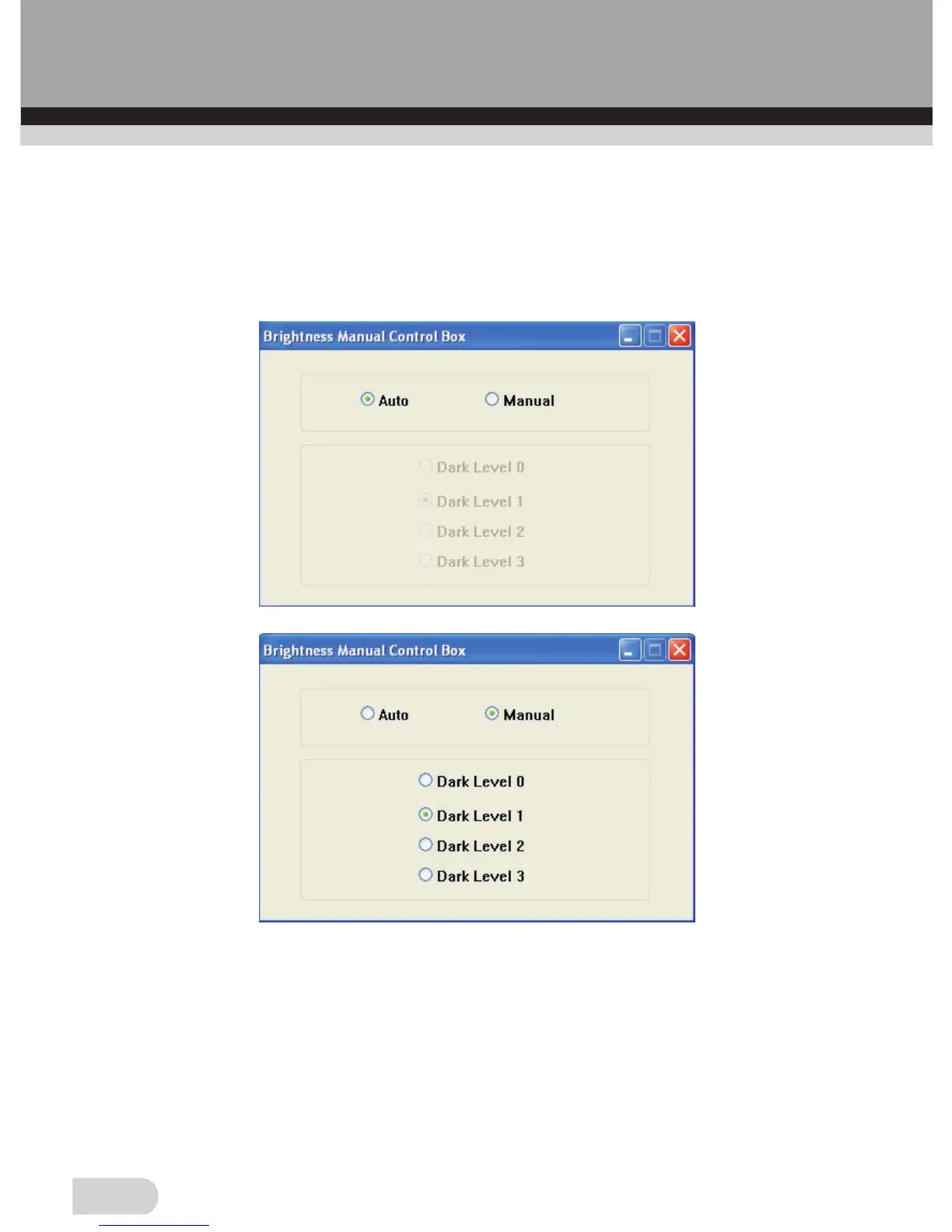
If you want to adjust brightness manually, please choose ”Yes” in
“Open Brightness Manual Control Box”, then click the OK button,
“Brightness Manual Control Box” window will be appeared, you
can adjust brightness automatically or manually.
“OVT Scanner” Window
This window will show you the preview of the image loaded from
the film scanner.
Note: If you scan negatives, the software will convert them to slide
image and display in the “OVT Scanner” Window.


 To Next Page