18
1
2
3
DETAILED INSTRUCTIONS
MULTIPOINT CONNECTION TO MULTIPLE DEVICES
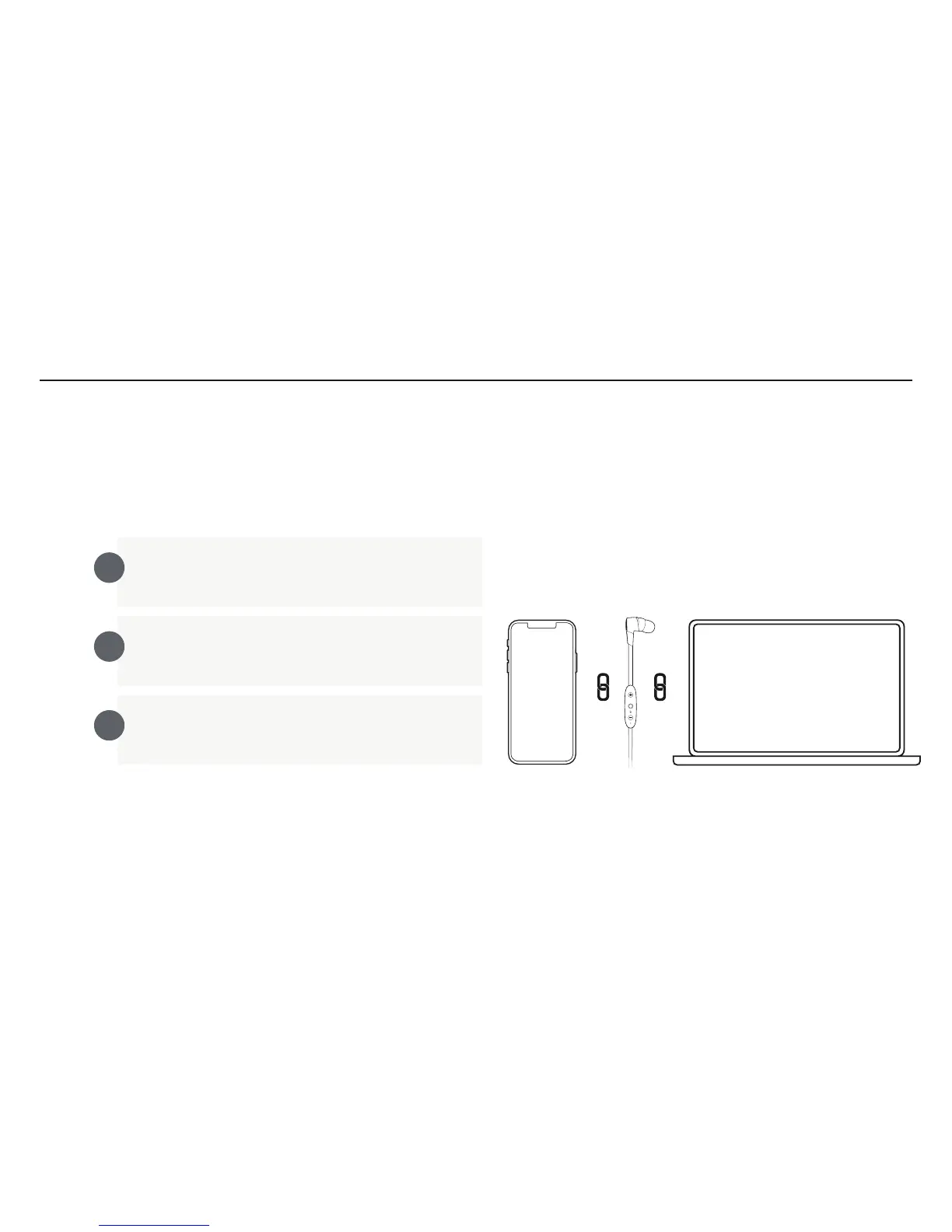
Multipoint allows you to be connected to two devices simultaneously. You can for instance
be connected to your laptop and your mobile phone. While listening to music on your laptop
you will be able to accept an incoming call on your phone.
Ensure your earbuds are up to date. Connect to the
Jaybird app to see if a firmware update is available.
Ensure your X4 earbuds are paired and connected to
both devices. Follow pairing instructions on page 5-6.
Make sure that only the two devices you want to
connect to are turned on and in proximity
Your X4 can remember up to eight paired Bluetooth® devices
and can be actively connected two devices at a time.



 To Next Page