14
DETAILED INSTRUCTIONS
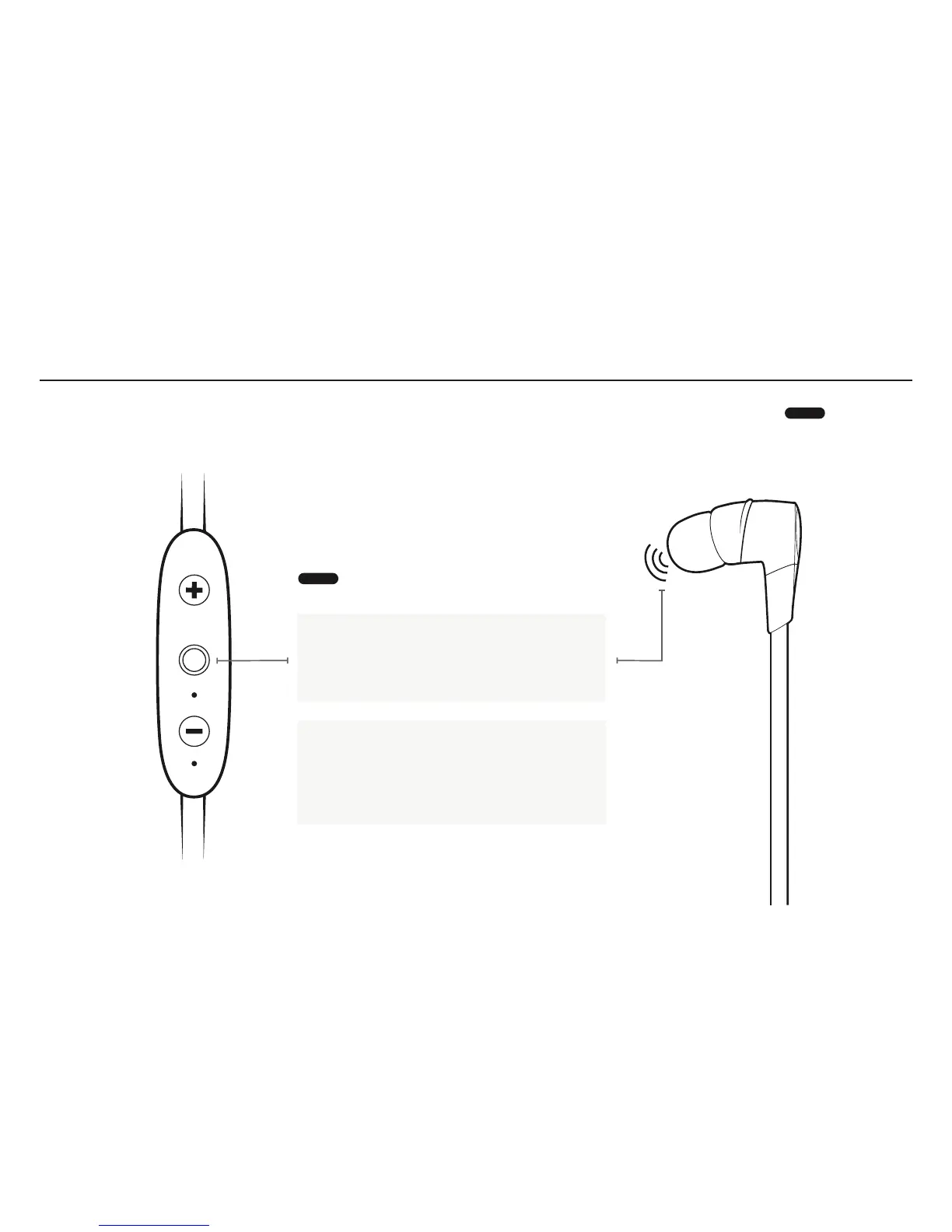
BUTTON FUNCTIONALITY
ONOFF
Turn your earbuds ON: press and hold the
Middle Button until you hear an ascending
“Power on” tone and the LED blinks green.
Turn your earbuds OFF: press and hold the
Middle Button until you hear a descending
“Power off” tone and the LED illuminates
red before turning off.
LONG PRESS



 To Next Page