20
1 2 3
TROUBLESHOOTING
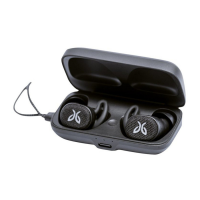
Soft reset: If your earbuds are not responding, put your X4 in the charge cradle and connect the USB charging cable to a
power source. This will turn your earbuds off and perform a soft reset.
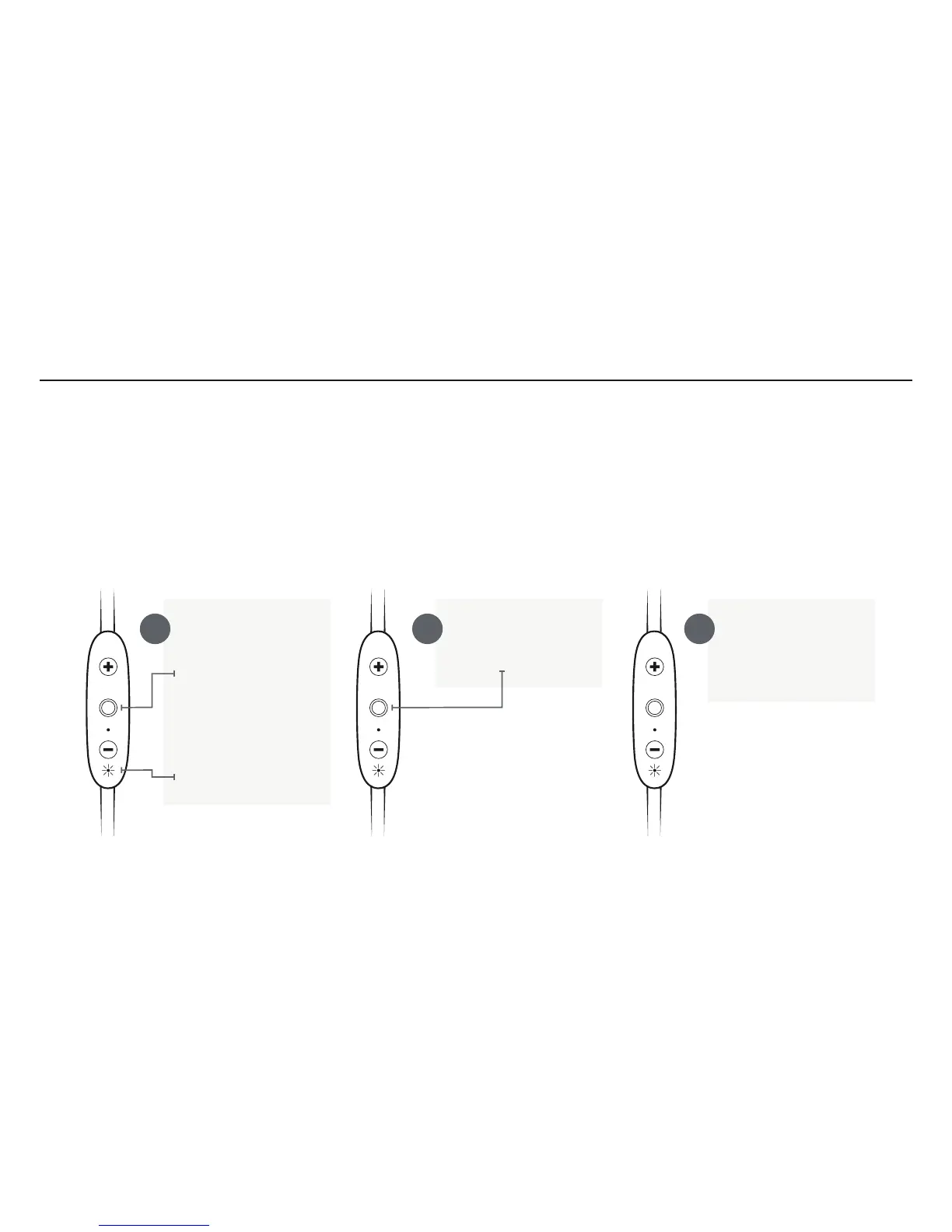
Factory reset: If this does not resolve your problem we recommend resetting your earbuds to their original factory
settings. Before starting this process please “FORGET” or “REMOVE” your X4 device in your Bluetooth list of discovered
devices in your phone or music device.
Put your earbuds
in to pairing mode.
Press and hold the
Middle Button until
the earbuds turn off.
Then press and hold
the Middle Button for
5 seconds until you
see alternating red/
green LED.
While the LED is
blinking press the
Middle Button twice.
The orange LED will
blink twice and you
should hear a ‘beep’
tone.
Now your earbuds are reset
and ready to pair. Go to
your phone’s/music device’s
Bluetooth menu and select
X4 to re-pair.



 To Next Page